Sell it yourself.

ShopClass 7.1 can run your own online shop: products with options, a cart, a checkout and orders you ship. It is open source and runs on your hosting, so there is no monthly fee and ShopClass takes no cut of your sales. Payment providers still charge their own fees.

This is a beta. Try it on a test site and tell us what breaks on GitHub. For a live shop, wait for 7.1 stable. ShopClass 7.1 needs PHP 8.2 or newer.

From product to shipped.

One real order on a ShopClass 7.1 shop with the Aisle theme, from the first click to the parcel. Every screen is from the beta.

  1. 1

    Pick a size and colour

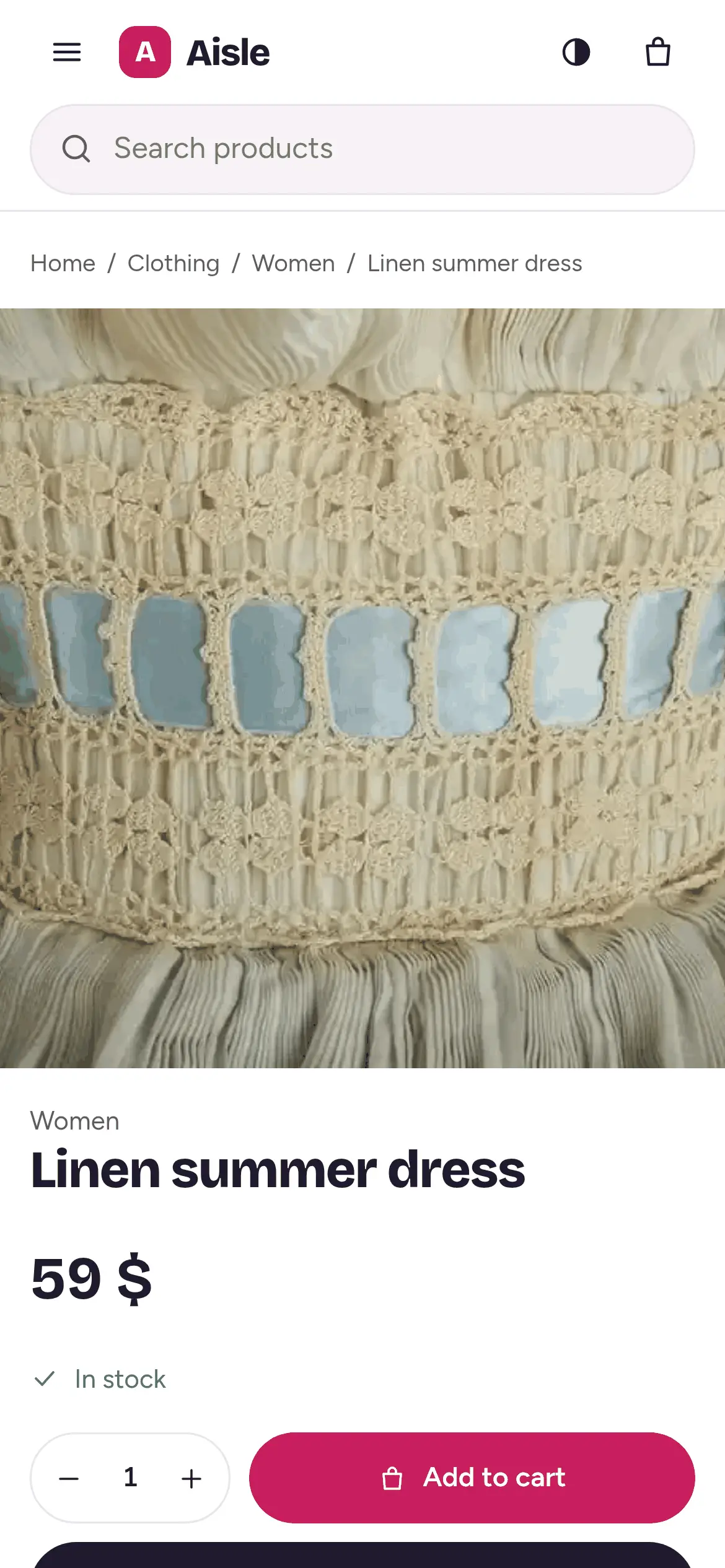
    Each option has its own price, stock and SKU, so the page knows what is left.

  2. 2

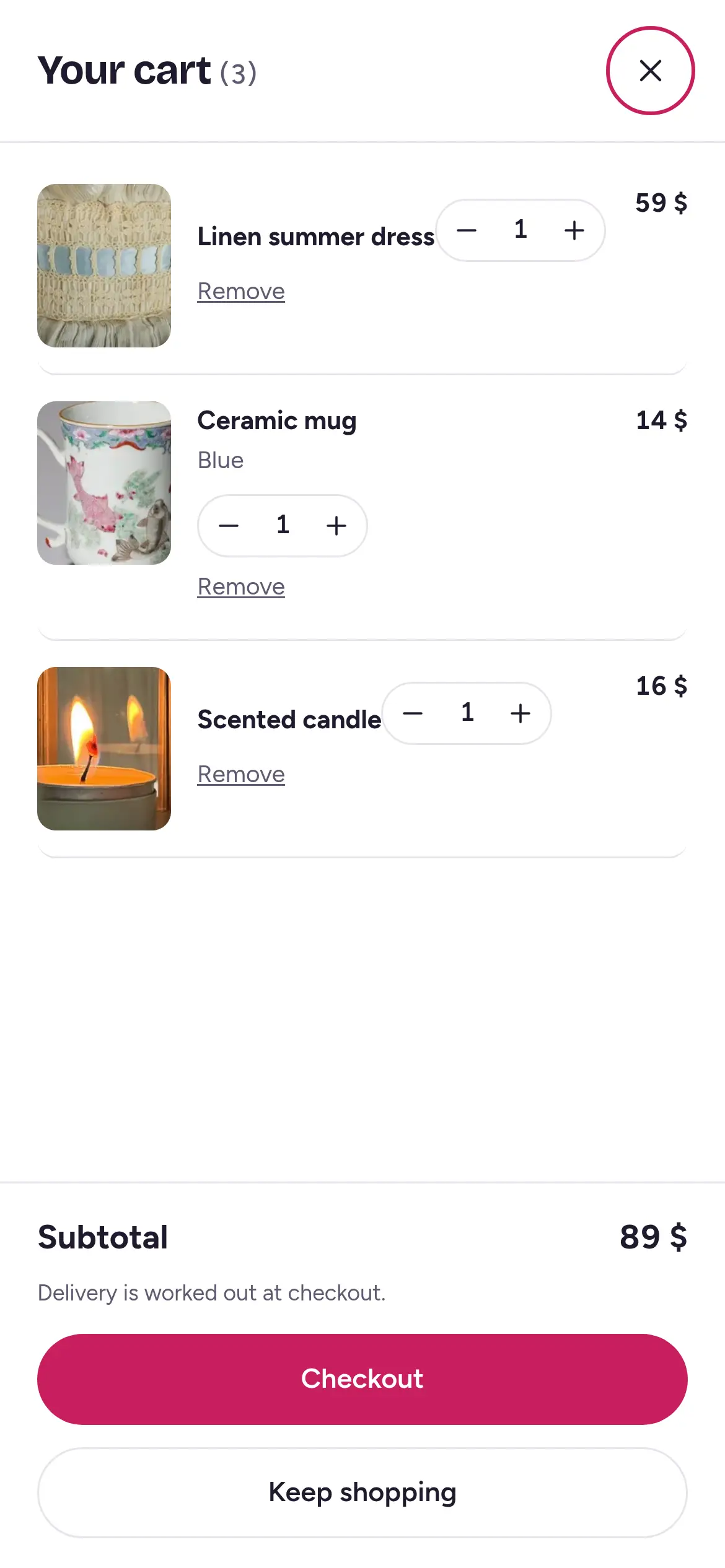
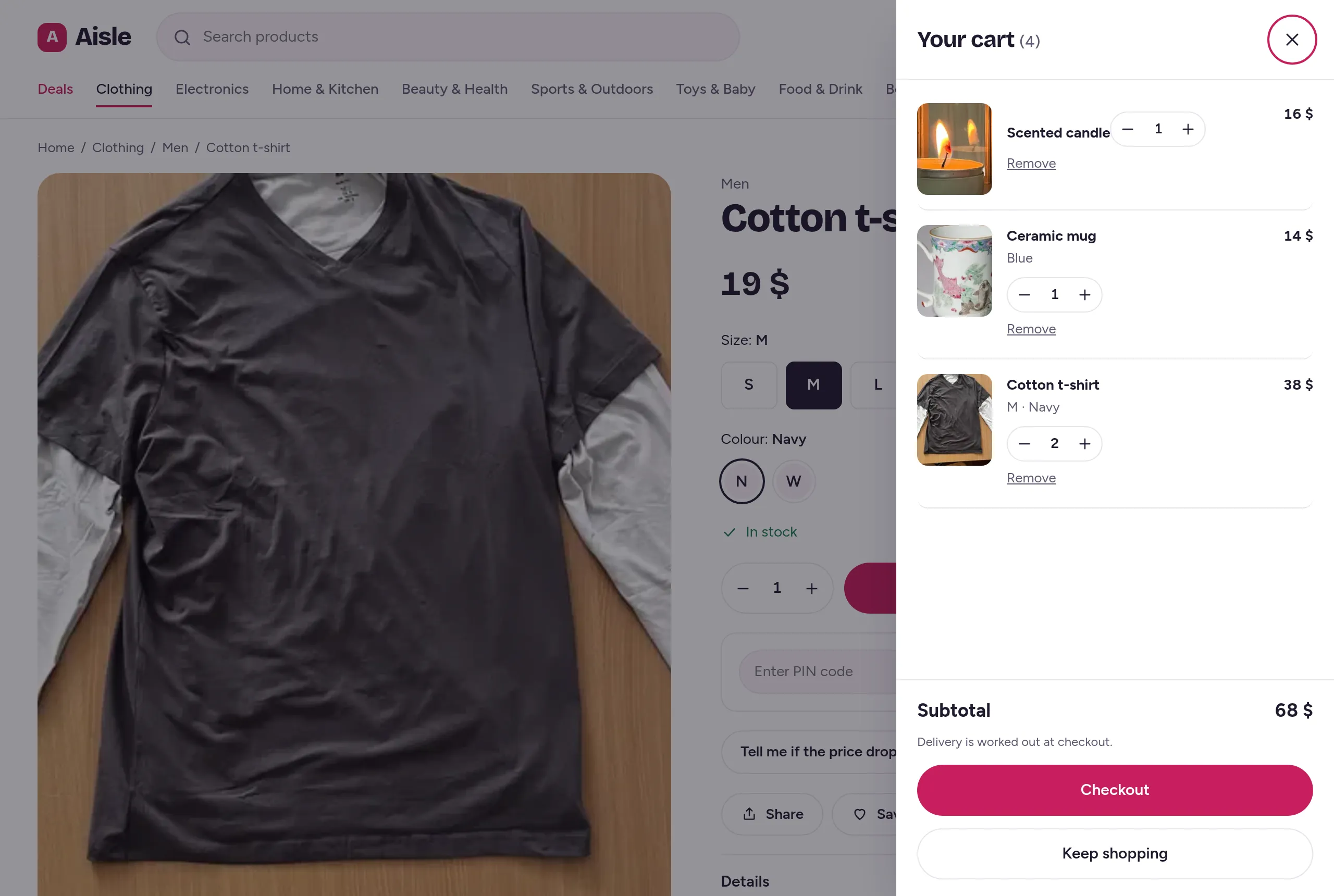
    Into the cart

    The cart opens beside the page. Totals come from your server, not the browser.

  3. 3

    Check out

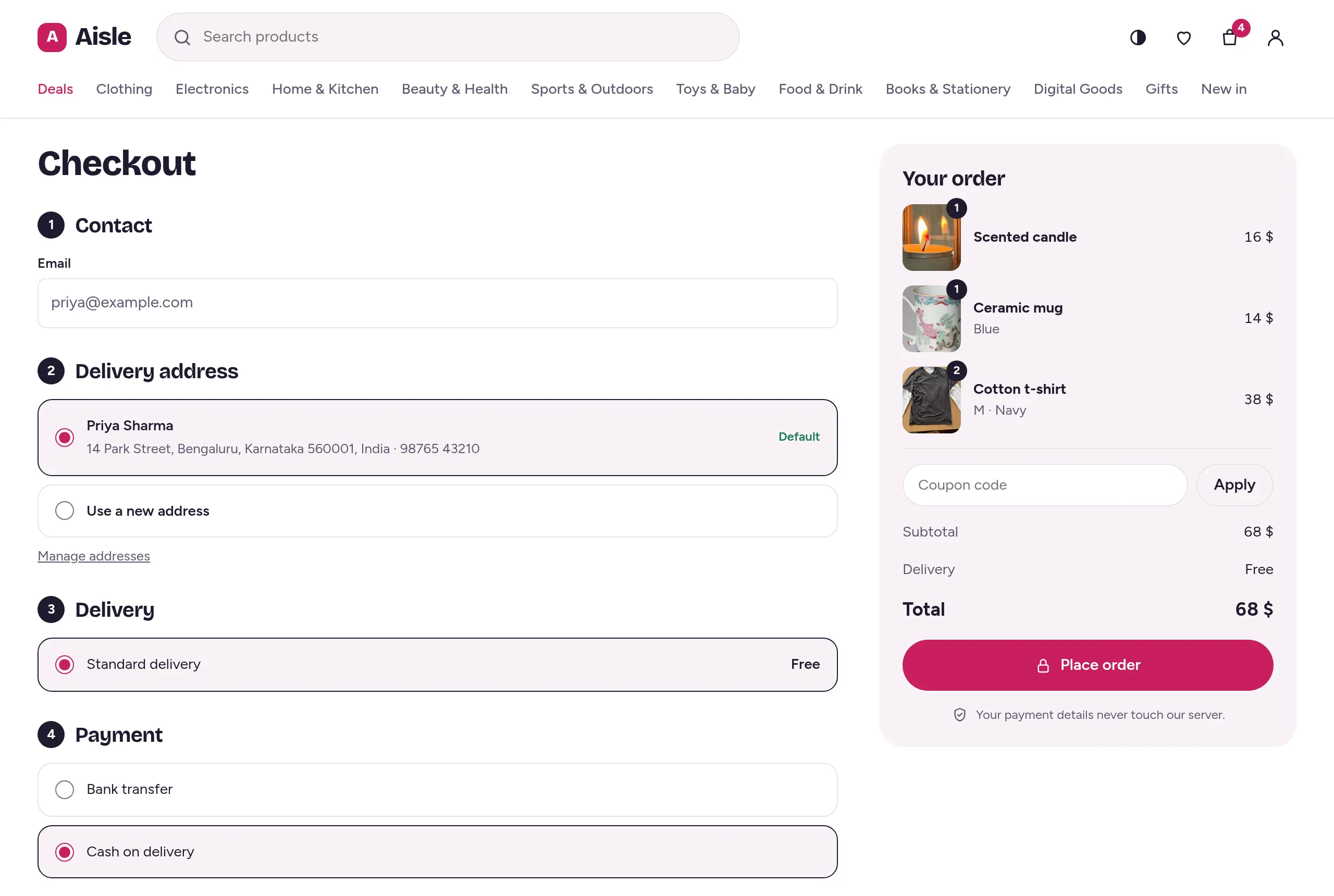
    An address, a delivery choice, and card, bank transfer or cash on delivery.

  4. 4

    Ship it

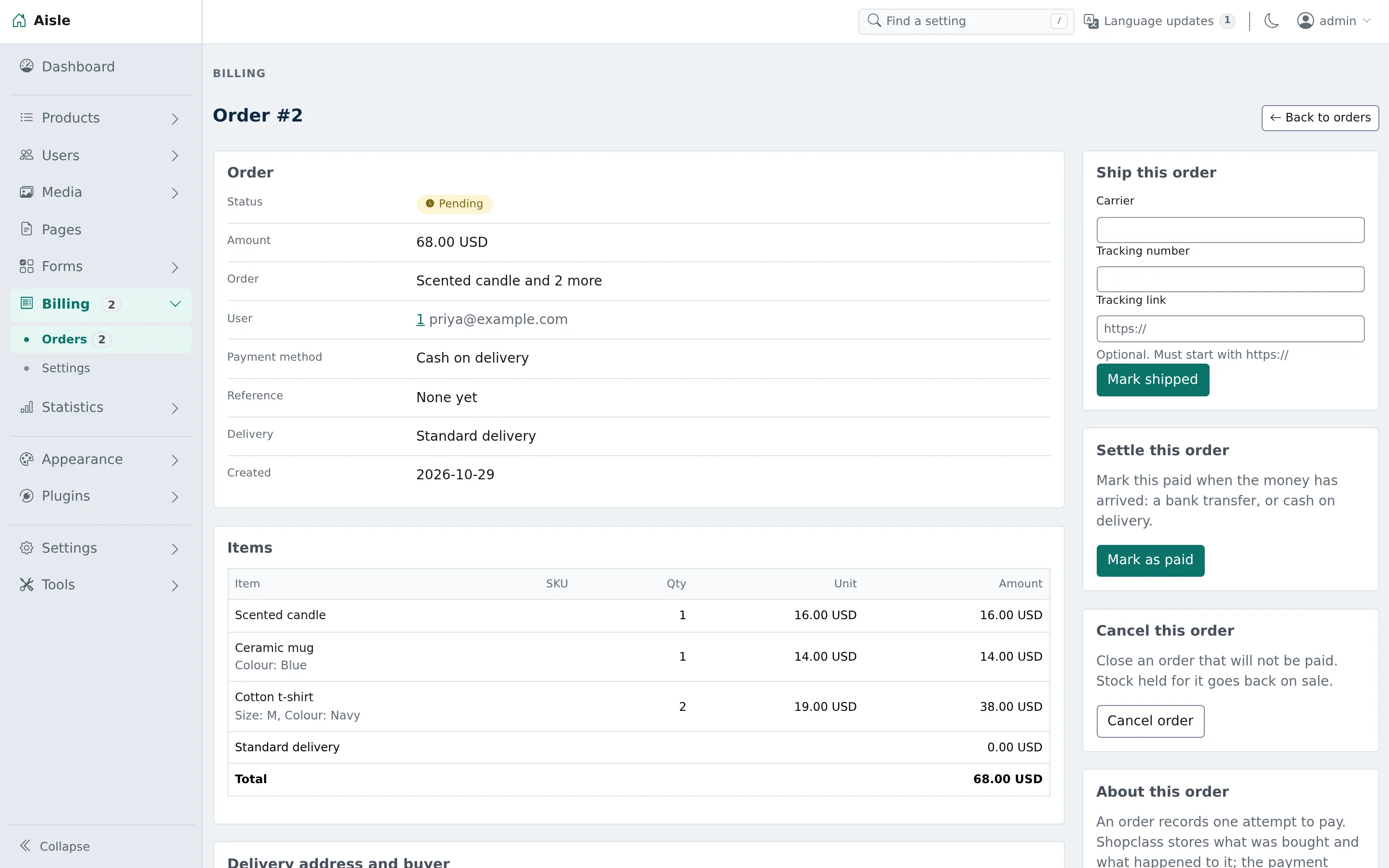
    The order lands in your admin. Add the tracking number, mark it shipped, and the buyer gets an e-mail.
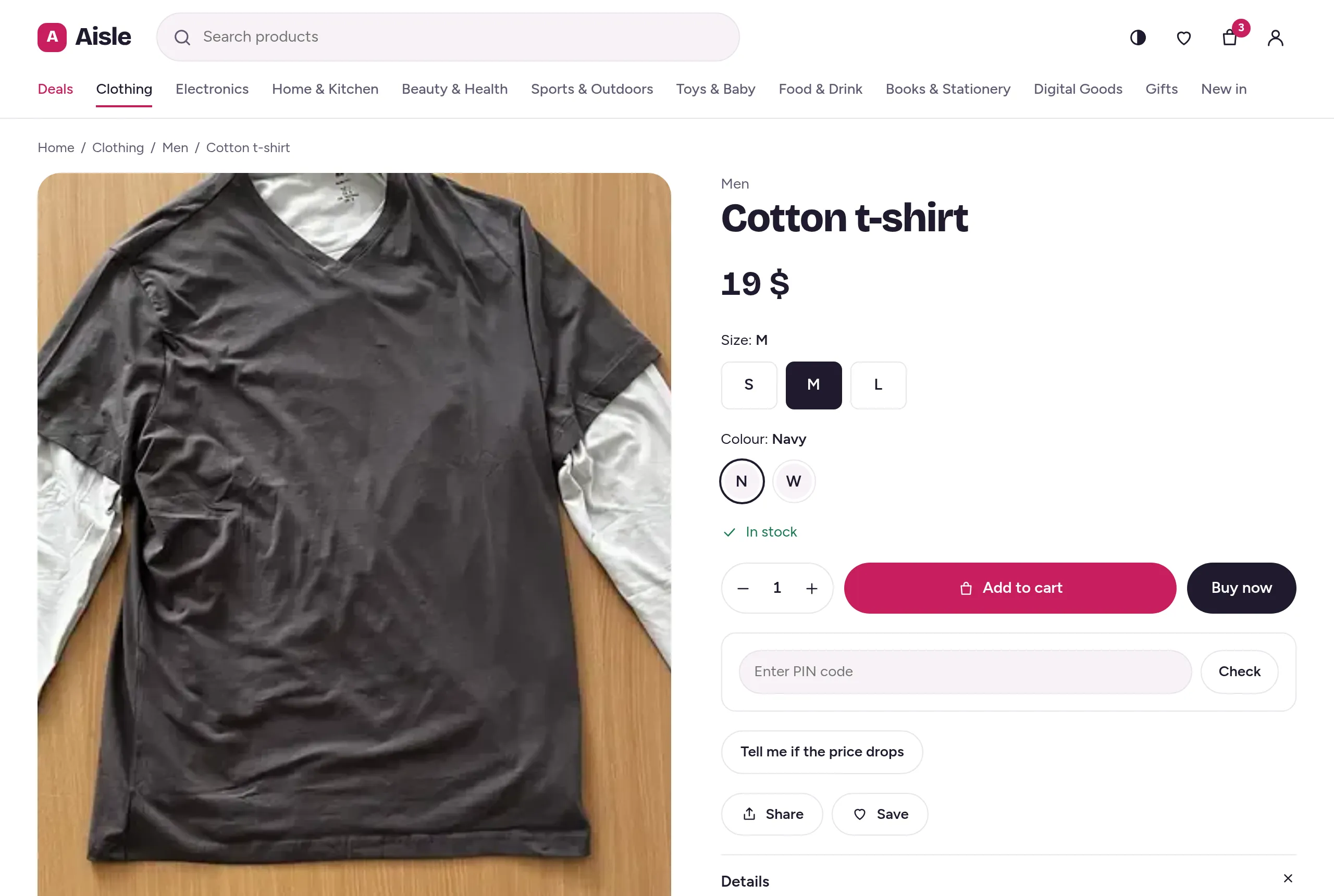
A product page in Aisle: a cotton t-shirt with size and colour choices and an Add to cart button.
1. Pick a size and colour
The cart drawer open over the product page, with a scented candle, a blue mug and two navy t-shirts in size M.
2. Into the cart
The checkout: contact, delivery address, and the order summary with a Place order button.
3. Check out
The order in the ShopClass admin, with its items, and Ship this order with carrier and tracking fields.
4. Ship it

One engine, two kinds of site.

A ShopClass site is either a classifieds site or a shop. You choose when you install, and you can change it later under Settings → General → Site is a. Search, categories, the API and the admin are the same in both.

Classifieds siteShop
Who postsClassifieds siteAnyone with an account posts ads.ShopOnly you and your admins add products.
A listing isClassifieds siteAn ad, with the fields you set for its category.ShopA product with options, like size and colour, each with its own price, stock and SKU.
Money comes fromClassifieds siteCredits that sellers buy for featured spots, bumps and extra photos.ShopA cart and checkout: card plugins, bank transfer or cash on delivery.
PeopleClassifieds sitePublic seller profiles, comments and messages.ShopShopper accounts with orders, saved addresses and a wishlist. No public profiles.
ThemesClassifieds siteStorefront, Glance and Folio.ShopAisle.

A shop, built into core.

These come with ShopClass 7.1 itself. You do not need a plugin for any of them.

Products with options

Colour by size, or any mix. Each option row has its own SKU, price, stock, weight and shipping class.

An old price, crossed out

Show a sale price next to the old one, and say how many are left when stock is low.

A cart priced on your server

Prices, delivery and totals are worked out on your server, not in the browser.

Three ways to pay

A card plugin, bank transfer or cash on delivery. An unpaid card order gives its stock back.

Orders to ship

A To ship list, tracking links, and buttons for shipped, delivered and cancelled.

An e-mail at every step

Buyers hear when an order is placed, paid, shipped, delivered, cancelled or refunded. You hear about each new order.

Wishlist and alerts

Shoppers save products and get an e-mail when one is back in stock or drops in price.

Star ratings

Reviews can carry a 1 to 5 star rating.

Saved addresses

Up to 10 delivery addresses per shopper, picked at checkout.

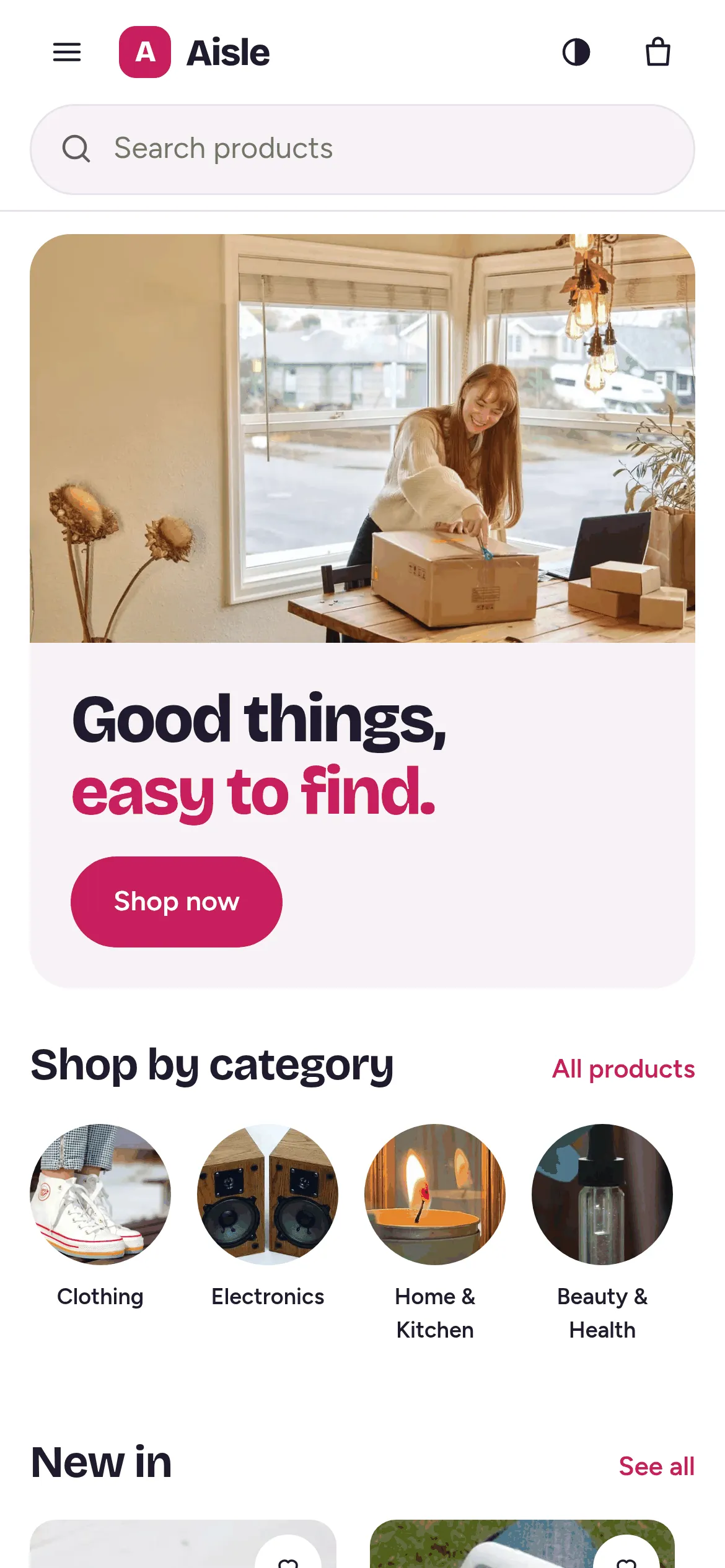
Aisle's home page on a phone.

Aisle, a theme for selling.

Aisle is a free shop theme for ShopClass 7.1. It is phone-first, and it works without any plugin.

  • A cart drawer on every page, and a checkout for signed-in shoppers.
  • Wishlist and reviews, with star ratings.
  • Edit the home page with a live preview under Appearance → Customise. Changes stay a draft until you publish.
  • Light and dark, five brand colours, and two font pairs or your system fonts.

Try the beta.

Use a test site, not a live one.

  1. Check PHP

    ShopClass 7.1 needs PHP 8.2 or newer.

  2. Get the 7.1 beta

    Download the zip from the 7.1.0.beta1 release, or pull ghcr.io/mindstellar/shopclass:beta.

  3. Install a shop

    The installer asks what the site is. Pick Shop, and add the sample products if you like.

  4. Add Aisle

    Upload Aisle under Appearance → Manage themes and activate it. Then turn on billing under Settings → Billing.

Found a problem? Open an issue on GitHub.