

Take card payments for shop orders and credit packages through Stripe Checkout. Buyers pay on Stripe's page, so no card data reaches your site.
Requirements
- ShopClass 7.0.0 or later (tested up to 7.1), with billing turned on
- PHP 8.0 or later, with the curl extension
- A Stripe account
- Cron running (for retries and the daily check of pending orders)
Install
- Open Plugins → Browse (or upload the zip from the GitHub release).
- Install.
- Activate.
Set up
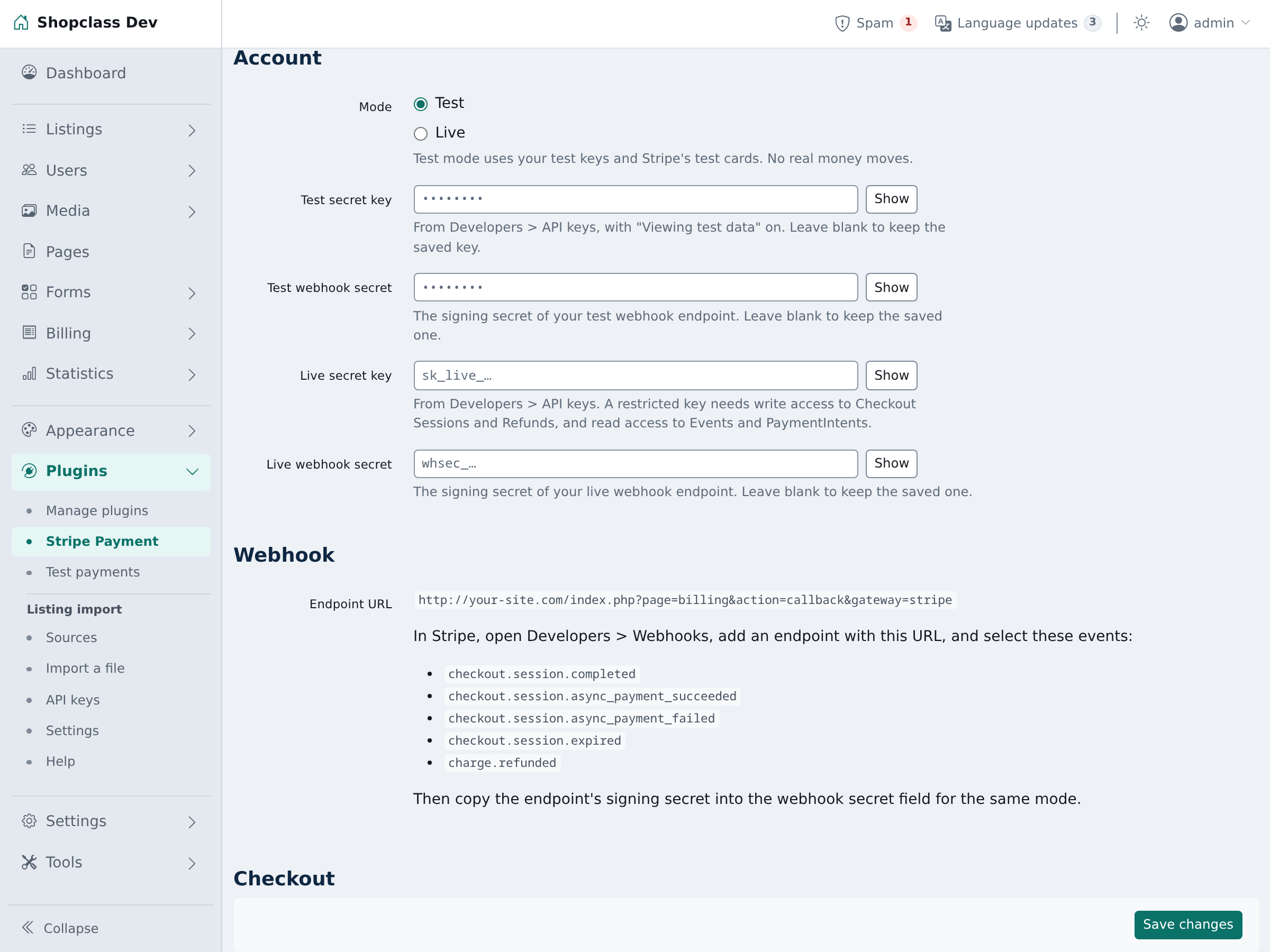
- Open Billing → Stripe (ShopClass 7.1). On 7.0, open Plugins and choose Configure next to Stripe.
- In the Stripe dashboard, open Developers → API keys. Copy the secret key (
sk_test_…in test mode) into Test secret key. - Open Developers → Webhooks. Add an endpoint with the Endpoint URL shown on the settings page:
https://example.com/index.php?page=billing&action=callback&gateway=stripe - Select these events:
checkout.session.completedcheckout.session.async_payment_succeededcheckout.session.async_payment_failedcheckout.session.expiredcharge.refunded
- Copy the endpoint's signing secret (
whsec_…) into Test webhook secret and save. - Optional: set Name at checkout (default "Card (Stripe)") and Currencies (comma-separated codes; empty uses the billing currency).
To go live, add the Live secret key, add a second webhook endpoint in live mode with the same URL and events, paste its signing secret into Live webhook secret, then set Mode to Live.
Saved keys are never shown again. Leave a key box blank to keep it.
How it works
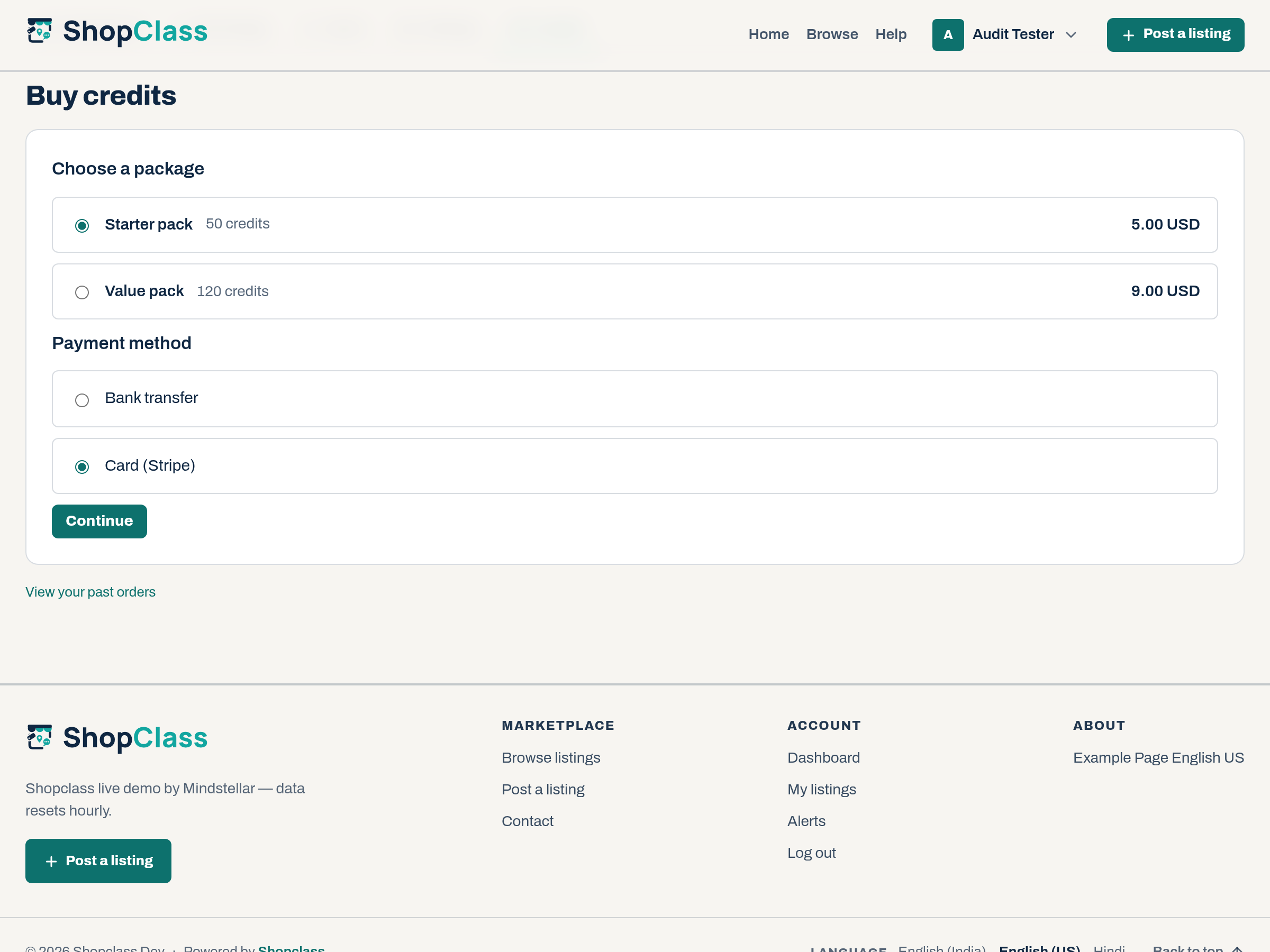
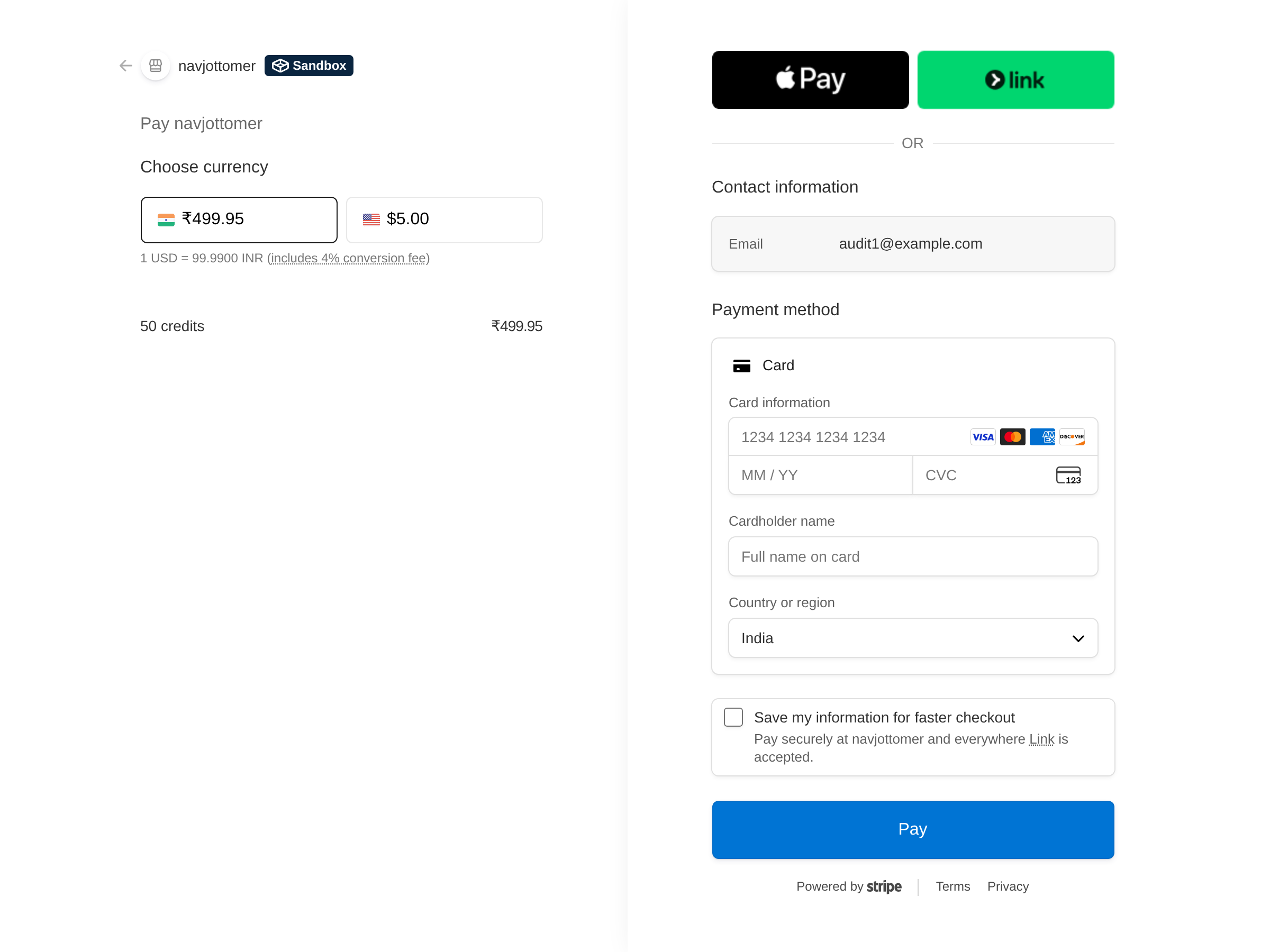
- Stripe shows at checkout once the secret key for the active mode is set and the billing currency is one Stripe takes.
- When the buyer returns from Stripe, the plugin asks Stripe for the session and settles the order.
- The webhook settles it too, for a buyer who closes the tab. Bank debits that clear later arrive this way.
- If the site cannot record a payment, the event is queued and retried. If it still fails, the site's contact address gets an e-mail.
- Once a day, pending Stripe orders over an hour old are checked with Stripe.
- A payment for an order already closed (failed or cancelled) is refunded at Stripe. If Stripe refuses, it shows as "paid after close" in Tools → Activity log.
- Core checks amount, currency and owner on every path. A replayed event credits nothing.
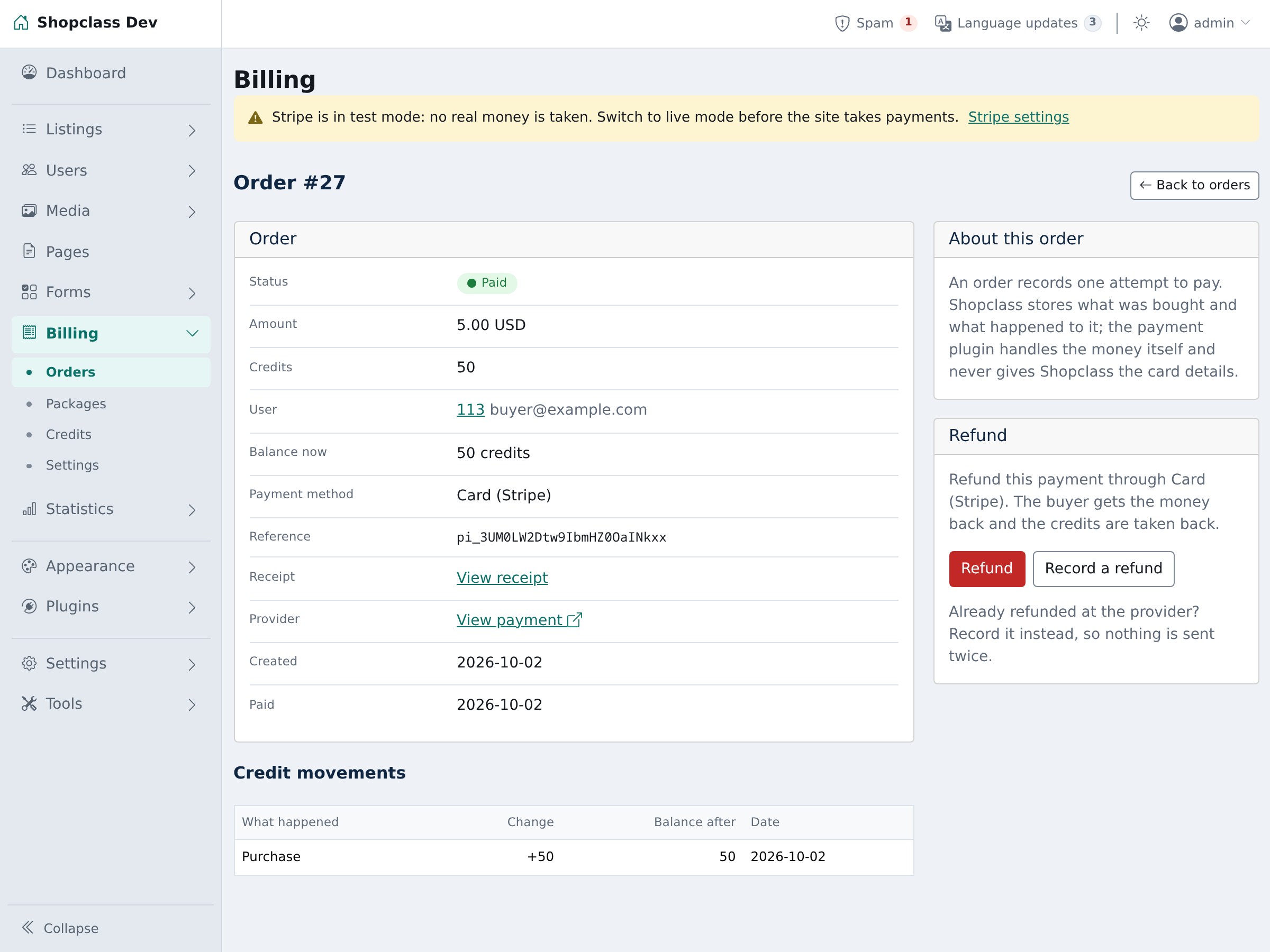
- Refund: open the order under Billing → Orders and press Refund. The whole payment is refunded and core takes the credits back. A full refund made in the Stripe dashboard is recorded the same way.
- On core 7.1, Refund part on a shop order sends part of the money back through Stripe. The site records it with a credit note, and the order shows Partly refunded.
Notes / limits
- The plugin starts in test mode, and an admin notice says so. In test mode only a signed-in admin sees Stripe at checkout.
- Test with Stripe's test cards, such as
4242 4242 4242 4242. - Live mode needs the webhook secret. In test mode it is optional, so a local site Stripe cannot reach still works.
- A partial refund made in the Stripe dashboard changes nothing on the site. Use Refund part instead.
- Several sites can share one Stripe account. Each site ignores events tagged for other sites. Give each its own webhook endpoint.
- Keys, mode and site id are preferences in the
stripesection. Order references are kept in order meta. No table of its own.
For developers
Registers the gateway on register_payment_gateways and listens to register_jobs, cron_daily and job_gave_up. It fires no hooks.
Translations: copy languages/stripe.pot to languages/<locale>/messages.po, translate, and compile to messages.mo. Regenerate the template with php tools/make-pot.php.
Tests: ./tests/run.sh (unit, no network) and php tests/integration/billing.php (core's scratch MySQL on port 33061). Both load core from SHOPCLASS_CORE, or a sibling checkout named osclass.
Support
https://github.com/mindstellar/shopclass-plugin-stripe/issues
What's new in 0.1.10
New
- On ShopClass 7.1 the admin bell warns when Stripe is on but has no secret key for its mode.
Found a problem with Stripe Payment? Open an issue on GitHub.


