

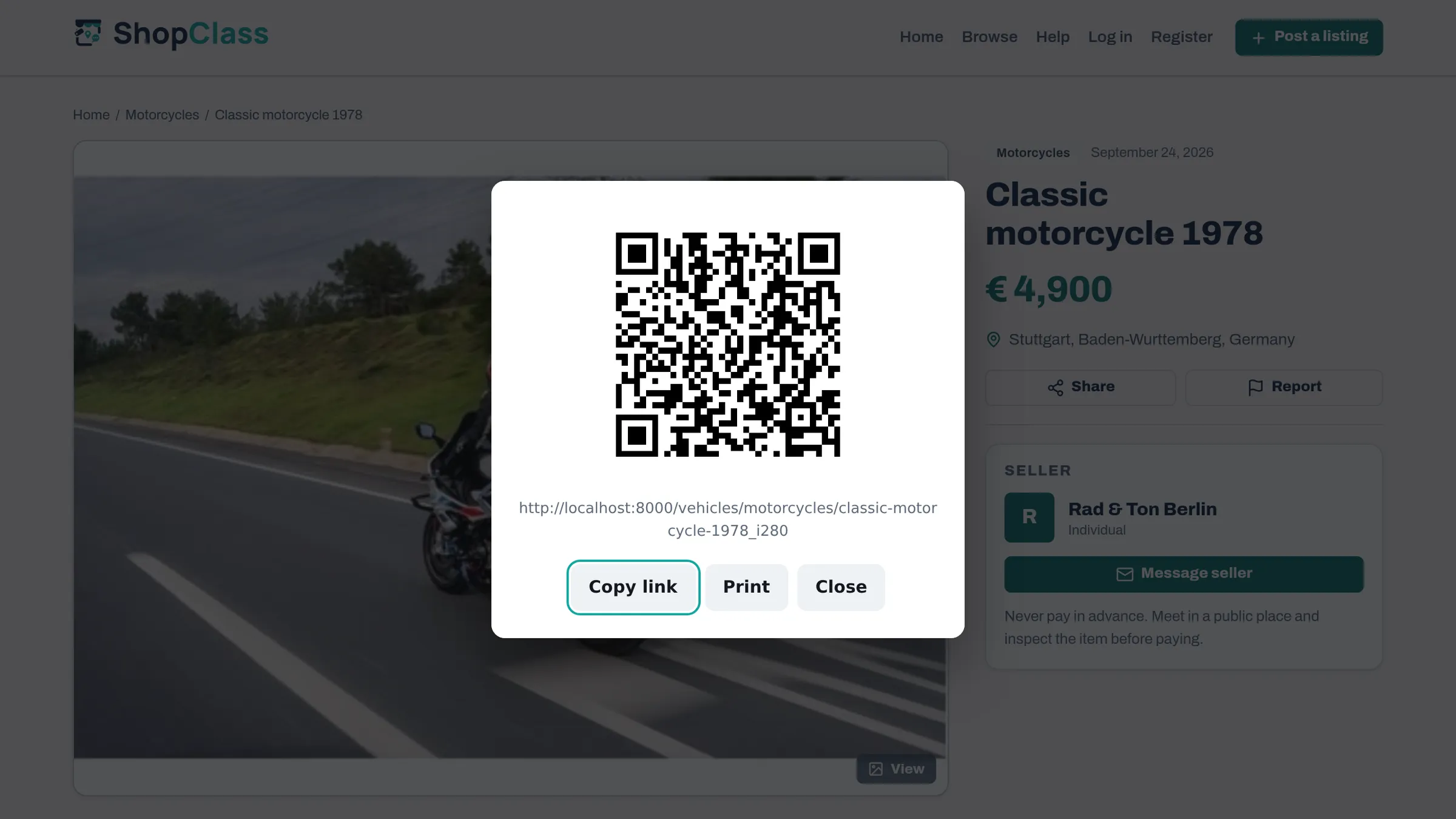
Puts a QR code on each listing, so it can be scanned from a screen, shared, or printed and put in a window.
How it works
The code is drawn in the browser as SVG, only when a visitor asks for it, so it stays sharp when printed. No files are stored on the server.
What the visitor gets
A Show QR code button opens a native dialog with the code and the listing address, and:
| Action | When it appears |
|---|---|
| Share | where the browser has the Web Share API: hands off to the system share sheet |
| Copy link | where the browser has the async Clipboard API |
| always; prints the code and the address alone, at 60 mm |
The two conditional buttons are hidden until support is confirmed, rather than shown and failing.
Settings
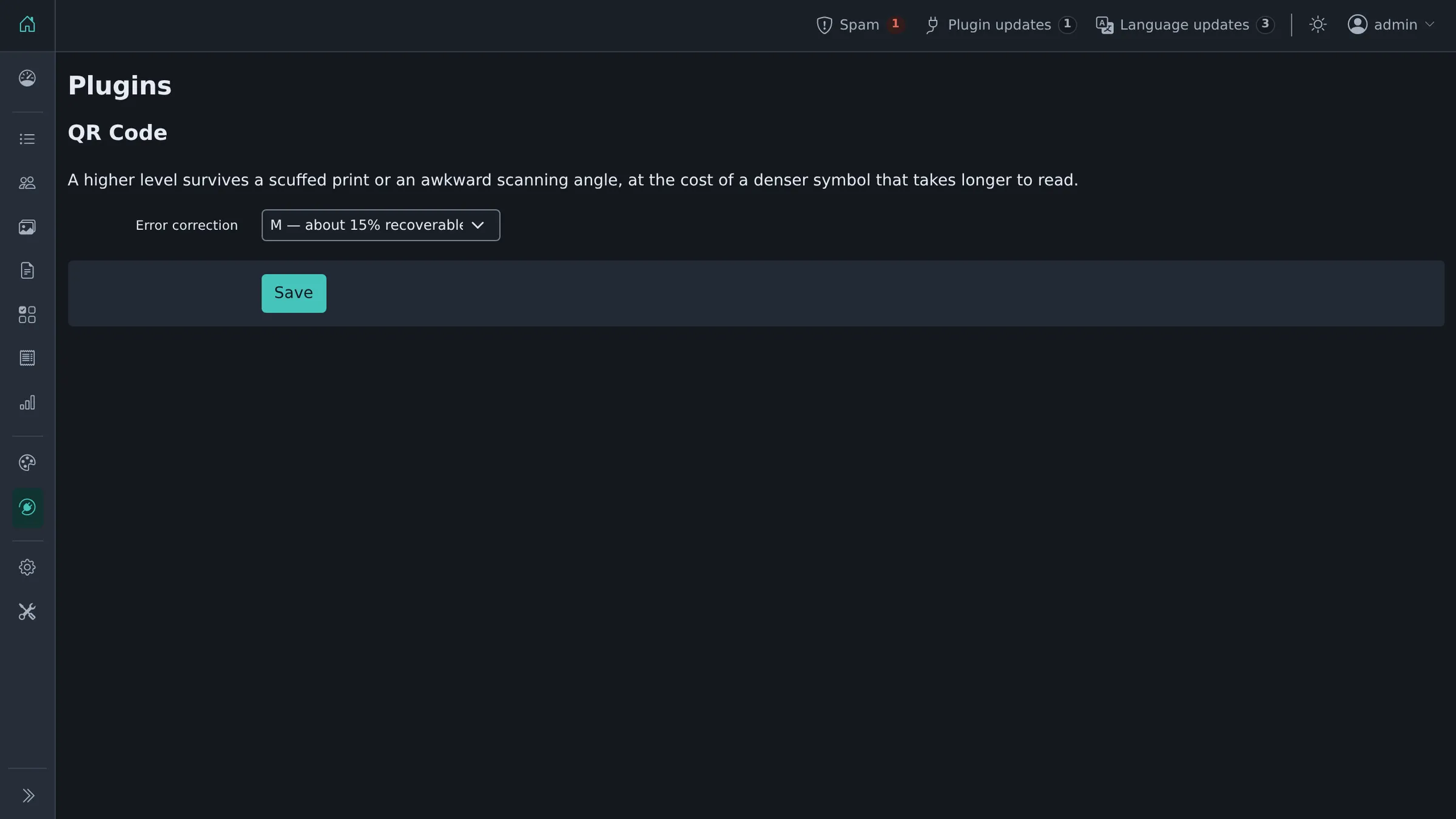
One: the error-correction level, under Plugins → Manage plugins, then Settings next to QR Code. M is the default: it survives a scuffed print or an off-angle scan while keeping the symbol sparse enough to read quickly. H costs roughly a third more modules for damage tolerance most listings never need.
Where it appears
On every listing page, through the theme's item_detail hook. No theme edit is needed.
Requirements
ShopClass 6.1.0 or newer, PHP 8.0 or newer. The browser needs ES modules and dynamic import(): every browser released since 2018.
Third-party code
vendor/qrcode.js and vendor/qrcode-utf8.js are the QR Code Generator for JavaScript by Kazuhiko Arase, MIT licensed, included verbatim. See vendor/LICENSE.
The UTF-8 companion is not optional: left on its default the encoder writes one byte per code unit, and a URL containing anything outside ASCII produces a symbol that fails to scan or decodes to the wrong text.
History
Derived from the Osclass "QR Codes" plugin (1.0.3, 2013). See CHANGELOG.md.
What's new in 2.0.1
Changed
- Tested up to ShopClass 6.4.
Found a problem with QR Code? Open an issue on GitHub.


