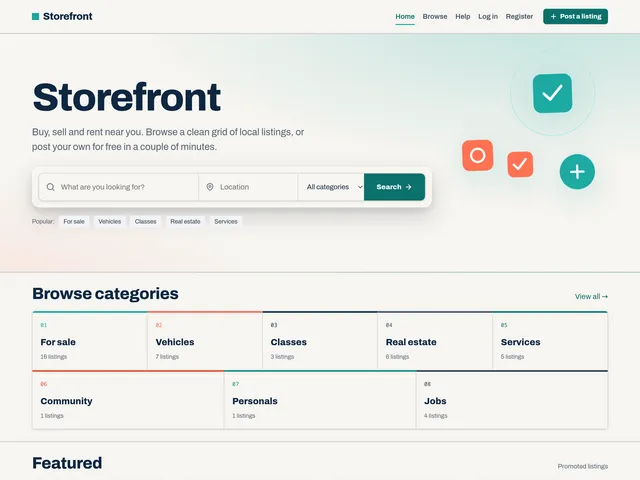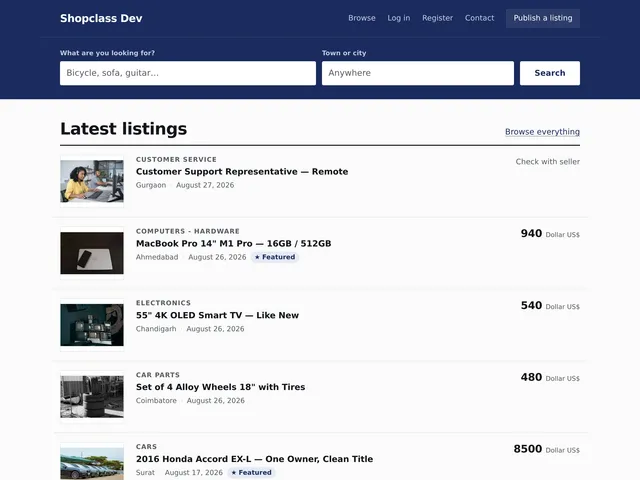
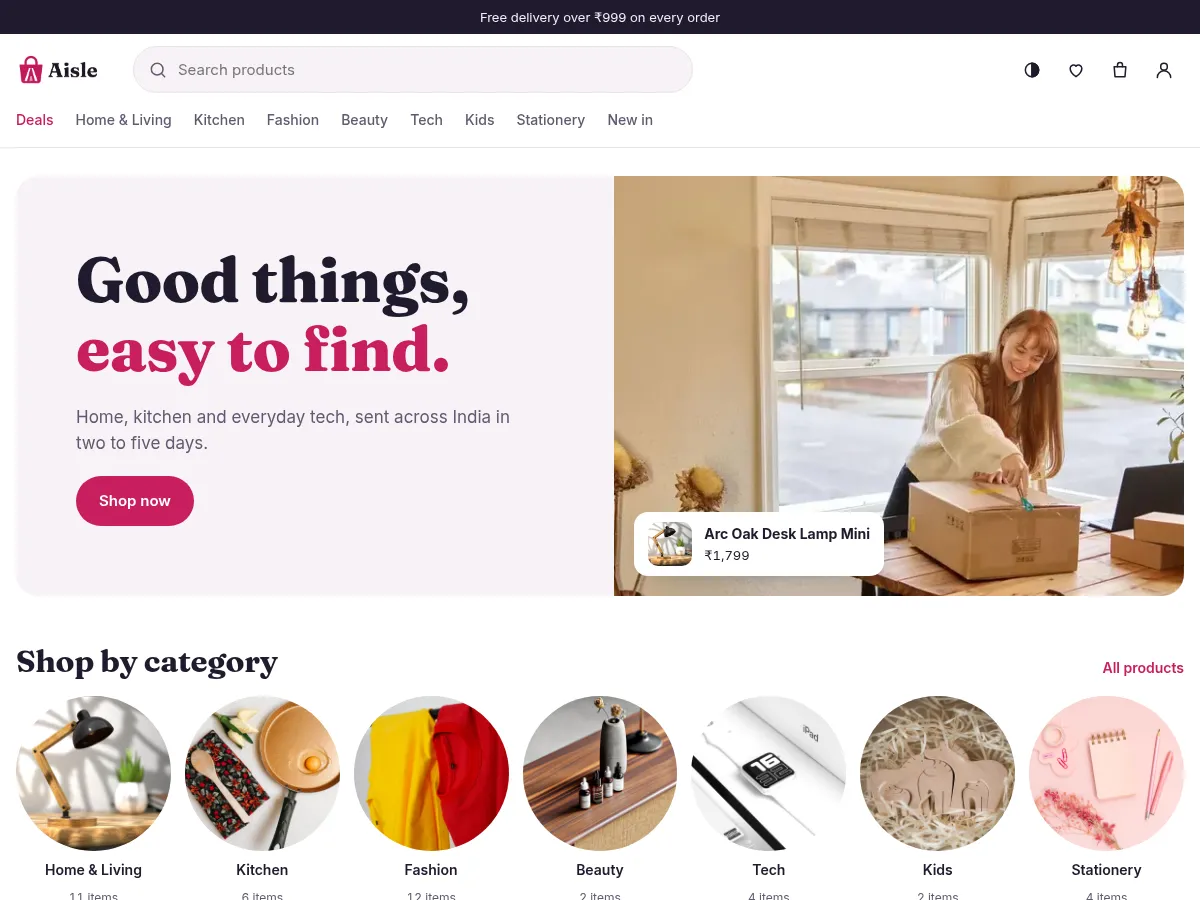
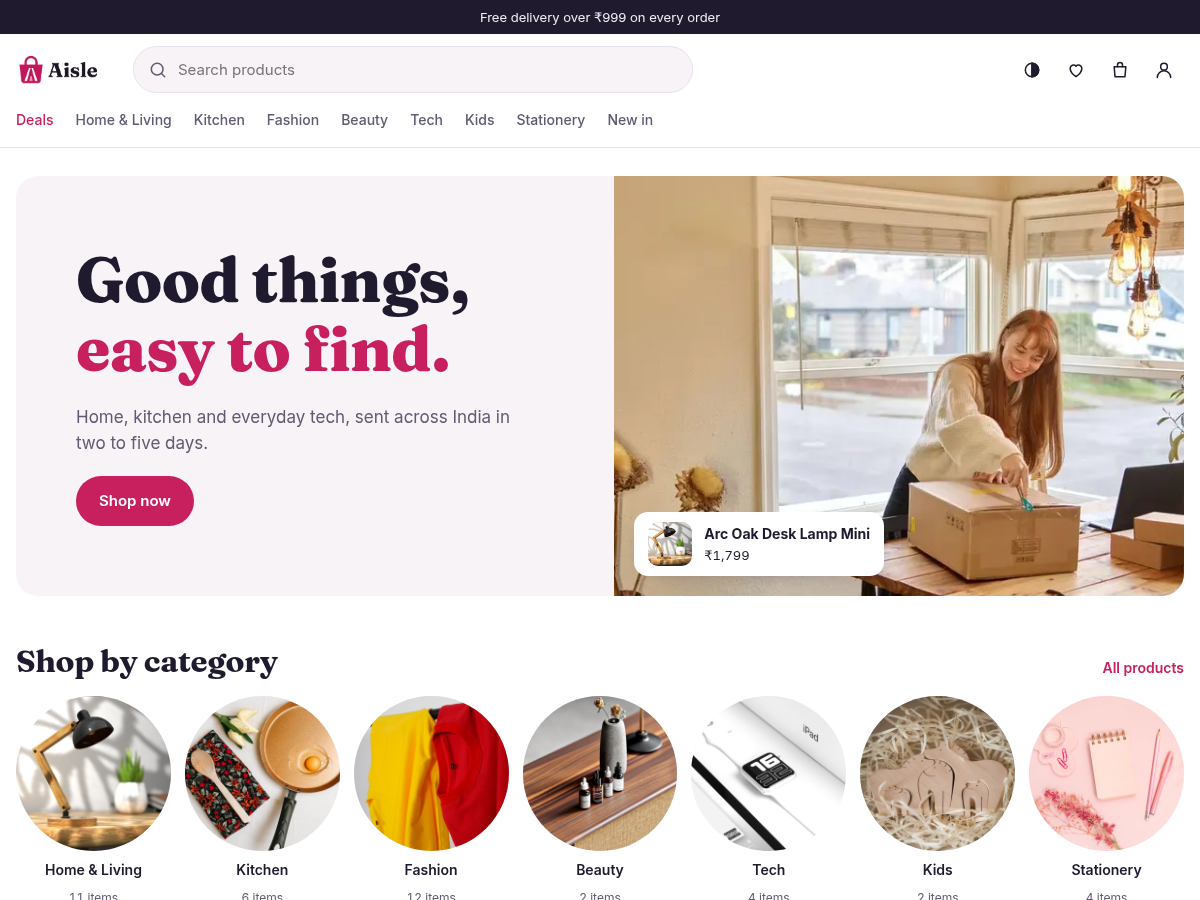
A shop theme for ShopClass. It is phone-first, with search, deals, filters and a clear product page. It reads its data from the ShopClass API and has a light and a dark scheme.
Requirements
- ShopClass 7.1.0 or later, in shop mode
- PHP 8.2 or later
- No required plugins. These are recommended:
shipping,tax,promotions,razorpay,shop-emails,analytics,digital-goods.
Install
- Download
aisle_X.Y.Z.zipfrom the releases. - Go to Appearance → Manage themes and upload the zip.
- Click Activate.
Or copy this folder to oc-content/themes/aisle/. There is no build step.
Set up
- Go to Appearance → Aisle and set the look:
- Colour scheme: follow the visitor's device, light or dark.
- Brand colour: Raspberry, Ocean, Forest, Marigold or Plum.
- Fonts: Bricolage + Figtree, Fraunces + Inter, or System fonts.
- Logo, Logo on dark and Logo height. Without a logo, the shop name shows.
- Announcement bar: one line above the header. Leave it empty to hide it.
- Under Catalogue, fill in Filters by option: one line per option, values after a colon, for example
Colour: Sunflower, Cherry, Navy. Up to 3 options and 10 values each. AColouroption shows as swatches. - Under Footer, fill in Footer note and Ways to pay (tags, separated by commas).
- Go to Appearance → Customise to edit the home page with a live preview. Add, hide, move and edit sections. Changes stay a draft until you press Publish. Discard drops them.
- Go to Settings → Billing and turn billing on. Set the currency, bank transfer or cash on delivery (or a gateway plugin), and on the Shop tab the delivery charge, free-over amount and hold days.
Appearance → Manage widgets does the same for the home sections, with an eye button to hide each one.
Features
- Home sections: Hero banner, Category row, Products (deals, newest or one category, as a grid or a row), Promise row, Banner, Featured product, Reviews, Newsletter, and the core Rich text block.
- Cart drawer on every page.
/checkoutneeds a signed-in shopper and JavaScript. Prices, totals and stock come from the server. - Wishlist at
/wishlist. Signed out, it stays in the browser and joins the account at sign-in. - Product reviews with a star rating, a comment, or both. Posting needs a sign-in.
- Orders at
user/ordersand/orders/<id>. Paid digital files show a Download button when thedigital-goodsplugin is on with the "buyer" access rule. - The newsletter form sends nowhere until a plugin sets its address with the
aisle_newsletter_actionfilter. - Each page prints a JSON block (
#aisle-page).js/aisle-track.jsturns it and the cart into GA4-named events (view_item,add_to_cart,purchaseand others) onwindow.aisleTrackand theaisle:trackdocument event. It sends nothing itself. Theanalyticsplugin listens to them.
Without a recommended plugin the theme still works:
| Plugin | Adds | Without it |
|---|---|---|
shipping | PIN code check, delivery date, Express, zones | Core's flat delivery charge |
tax (and tax-gst for India) | "Includes GST" note, tax rows, tax invoice | No tax shown |
promotions | Coupon field, automatic offers | A code is ignored |
razorpay | Card, UPI, net banking | Bank transfer and cash on delivery |
digital-goods | Downloads on paid orders | No downloads |
Customising
The theme owns its CSS and JS in css/ and js/. To change it, use a child theme or edit those files. The logo source is in src/logo/, with a guide to make your own in the same style. The brand colour, scheme and font come from fixed lists, so other stored values are ignored.
For developers
- Hooks: the theme fires
headerandfooter, and shows thefooterwidget area. - Strings use the text domain
aisle. Runnpm installonce, thennpm run i18nto writelanguages/aisle.potandlanguages/en_US/theme.po. - Tests are in
tests/. - A
vX.Y.Ztag runs.github/workflows/release.yml, which buildsaisle_X.Y.Z.zip. The tag must matchVersioninindex.php.
Support
Report problems at github.com/mindstellar/theme-aisle/issues.
What's new in 1.0.0
Ships with ShopClass 7.1 as its shop theme. Needs ShopClass 7.1.0 or newer.
New
- A web manifest and app icons, so a phone can add the shop to its home screen.
- Page view transitions and a fly-to-cart motion; both are off under reduced motion.
- Shop events (product view, add to cart, checkout steps, purchase, search) go to a page queue and a browser event for analytics plugins. The theme itself sends nothing.
- The newsletter form shows a status line after sign-up and posts to the Shop emails plugin when it is on.
- The theme recommends the Shop emails and Analytics plugins.
Changed
- "Your orders" in the account menu is added only when core has not added it already.
- The theme's styles are inlined in the page head, so the first paint waits on no stylesheet.
- Pages ask the API only for the listing members they show, and the category head reuses the page's list, so home, category and product pages run about half the database statements.
- The home hero is a smaller WebP with two sizes, and product photos use
srcset. - A failed API read shows a retry line, not an empty state or a 404.
- Long names, right-to-left pages, slow networks, hover, focus and tap targets are hardened.
- The cart reads its line and quantity limits from the site, not from its own copy.
- Product cards load the thumbnail on phones; desktop keeps the larger preview.
- Home sections store site paths for images and links, so a moved or renamed site keeps them.
Fixed
- The customiser preview turns
*word*into an em as the page does, and an empty heading shows its default. - Link fields refuse backslashes and control characters.
- The home sections migration copies the hero photo, button labels and links.
Found a problem with Aisle? Open an issue on GitHub.