

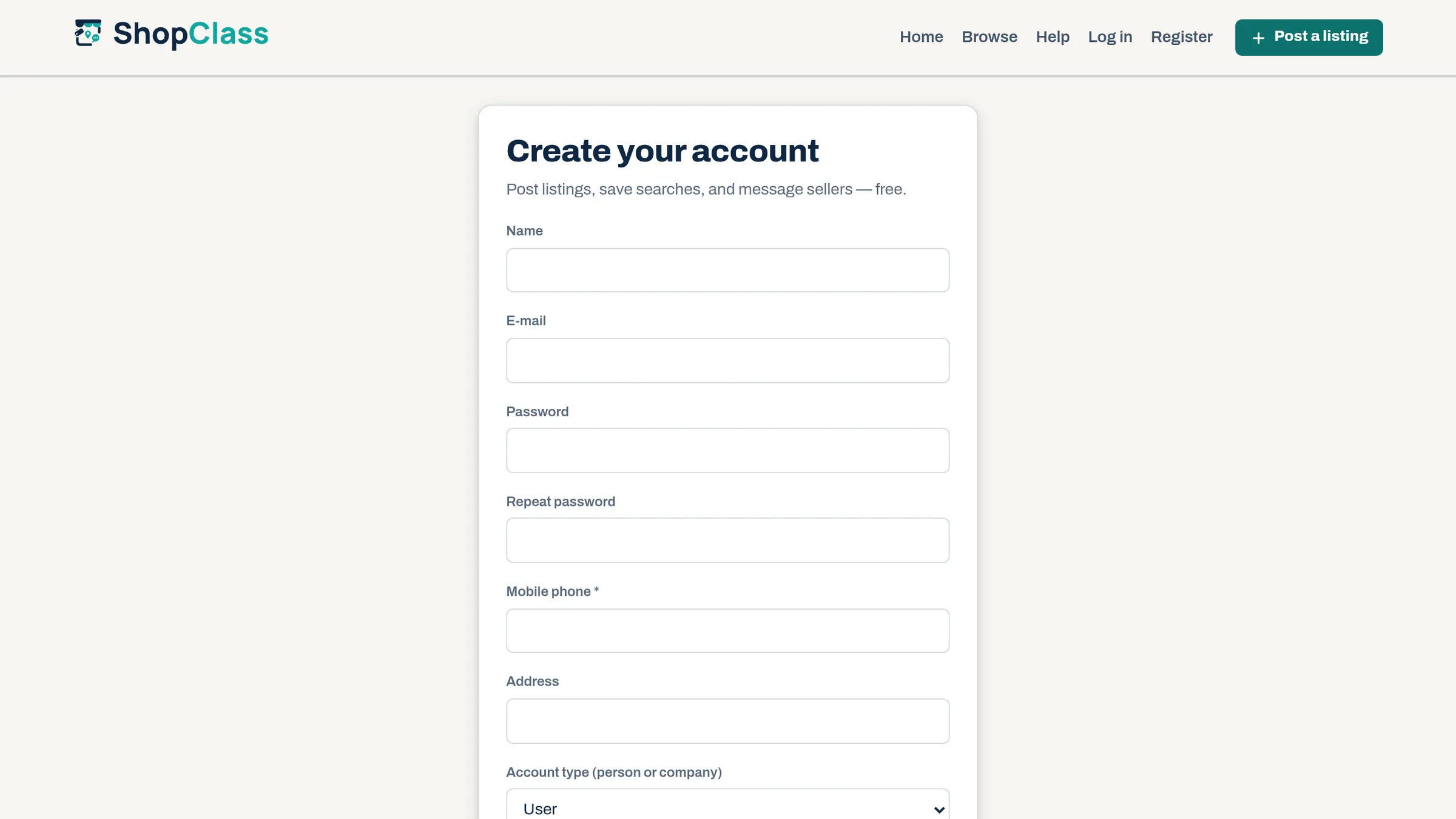
Adds profile fields to the registration form and lets you decide which are mandatory.
Fields
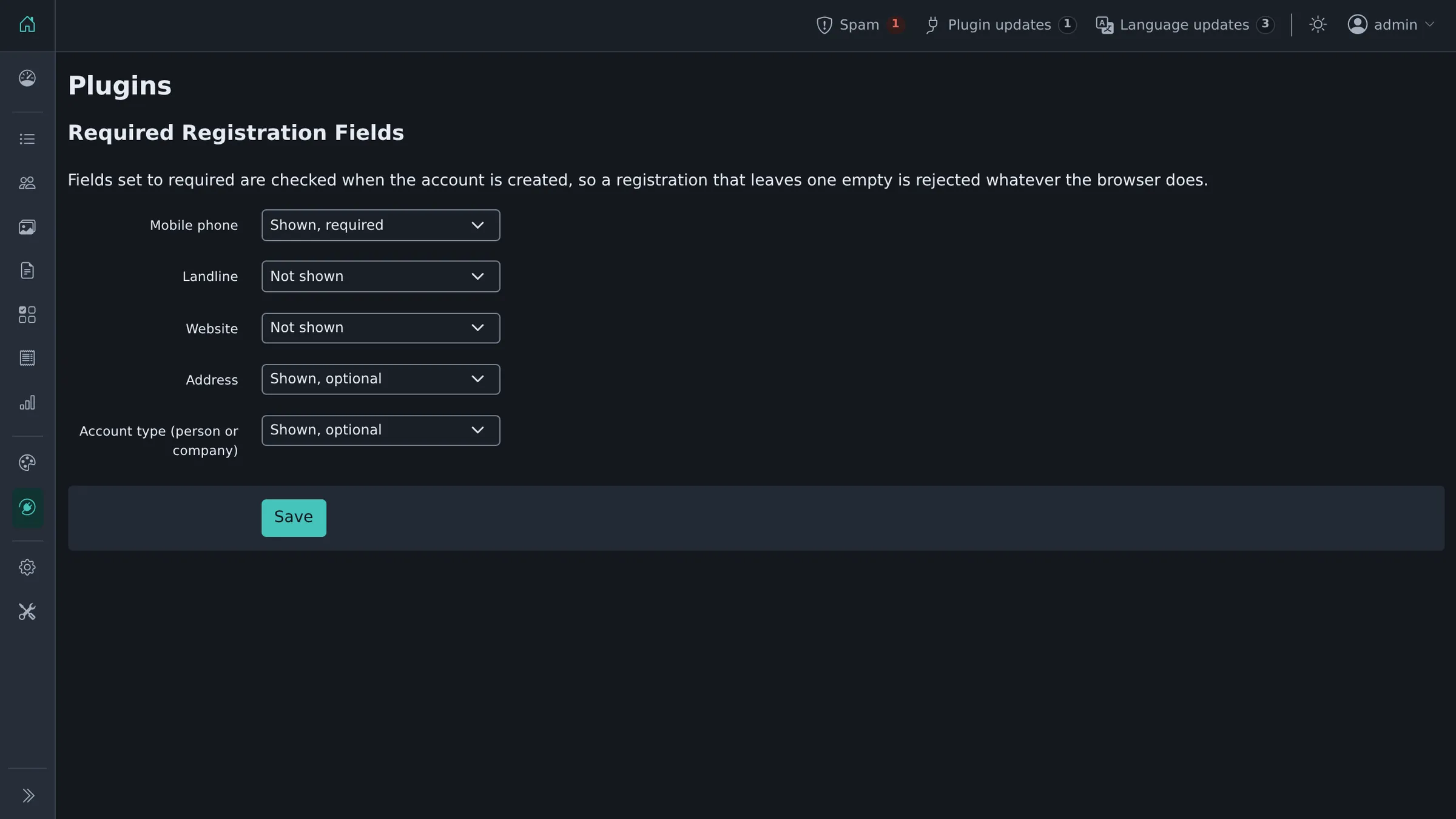
Mobile phone, landline, website, address, and account type (person or company). Each is set to Not shown, Shown, optional or Shown, required, from Plugins → Manage plugins, then Settings next to Required Registration Fields.
The fields take the theme's own layout on the sign-up form.
Nothing is added until you ask for it, so installing the plugin changes nothing on its own.
Required means required
A field marked required is checked when the account is created. A registration that leaves one empty is rejected and what was typed is kept, so the visitor can correct it.
The form also carries the browser's own required attribute as a convenience; the check that matters runs on the server.
What gets stored
Only the fields you turn on, written to the matching column on the new account. The set of columns is fixed in the plugin, so a request cannot reach a column you did not enable.
Requirements
ShopClass 6.1.0 or newer, PHP 8.0 or newer.
History
Derived from the Osclass "Required Fields at Registration" plugin (1.0.6, 2013), which was a file to edit rather than a plugin to configure, validated only in the browser, and could not run on a current install. See CHANGELOG.md.
What's new in 2.0.1
Changed
- Tested up to ShopClass 6.4.
Fixed
- The extra sign-up fields take the theme's own row layout instead of appearing unstyled.
Found a problem with Required Registration Fields? Open an issue on GitHub.


