

Import listings into ShopClass from other systems: a keyed REST API, and scheduled JSON, CSV and RSS feeds. Every listing goes through the same checks as one posted by hand: moderation, spam checks, listing limits and expiry.
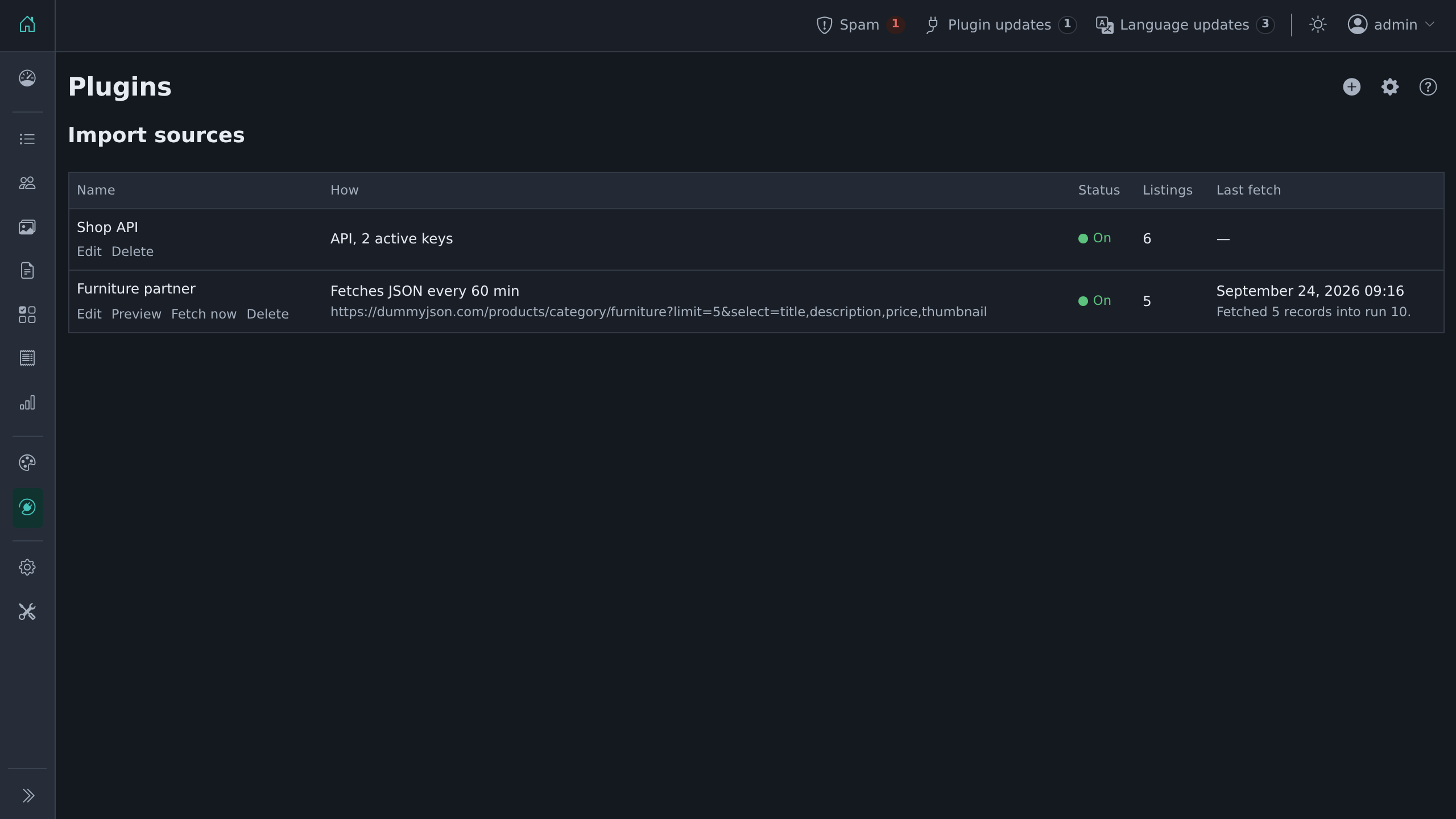
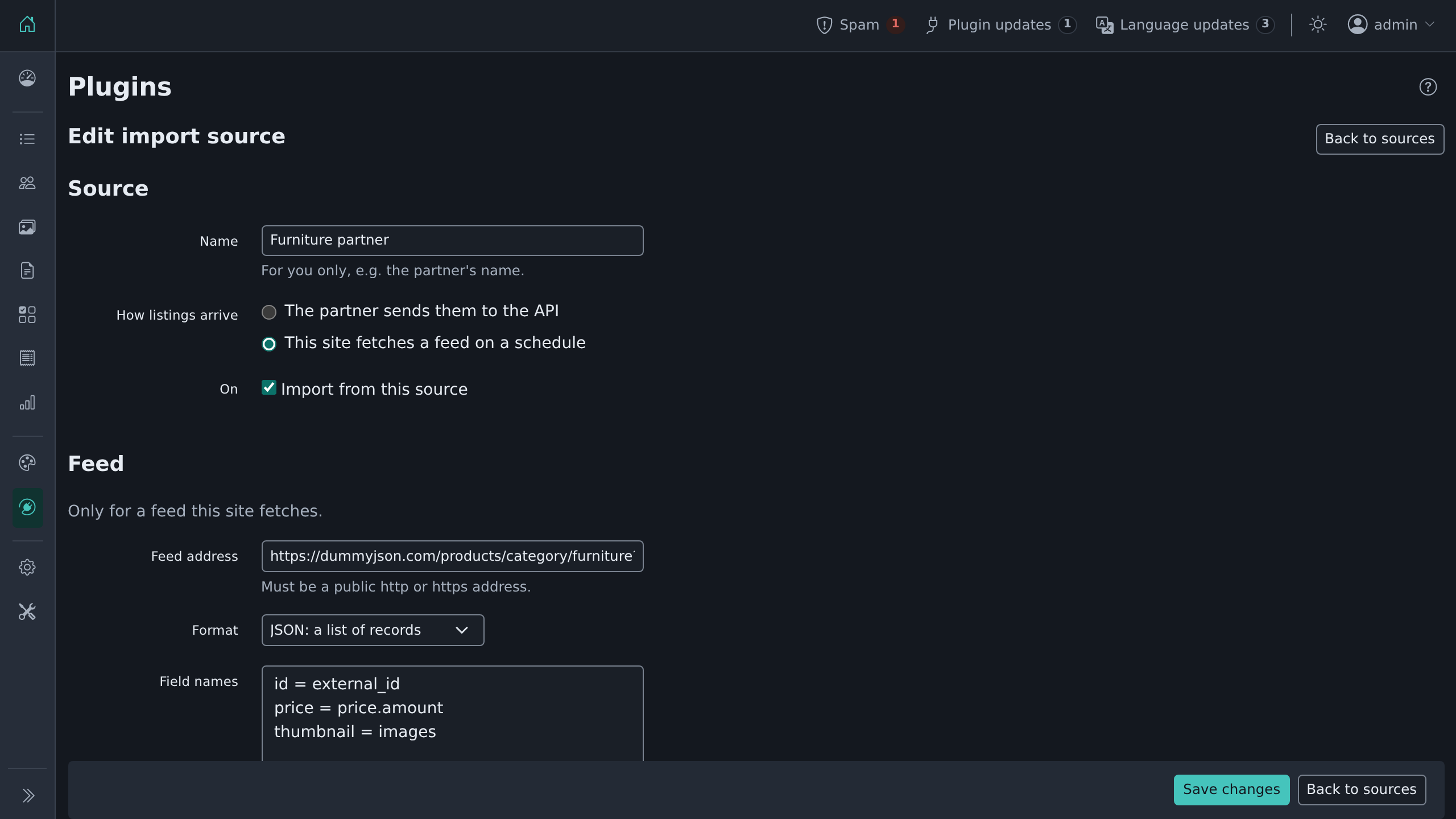 | 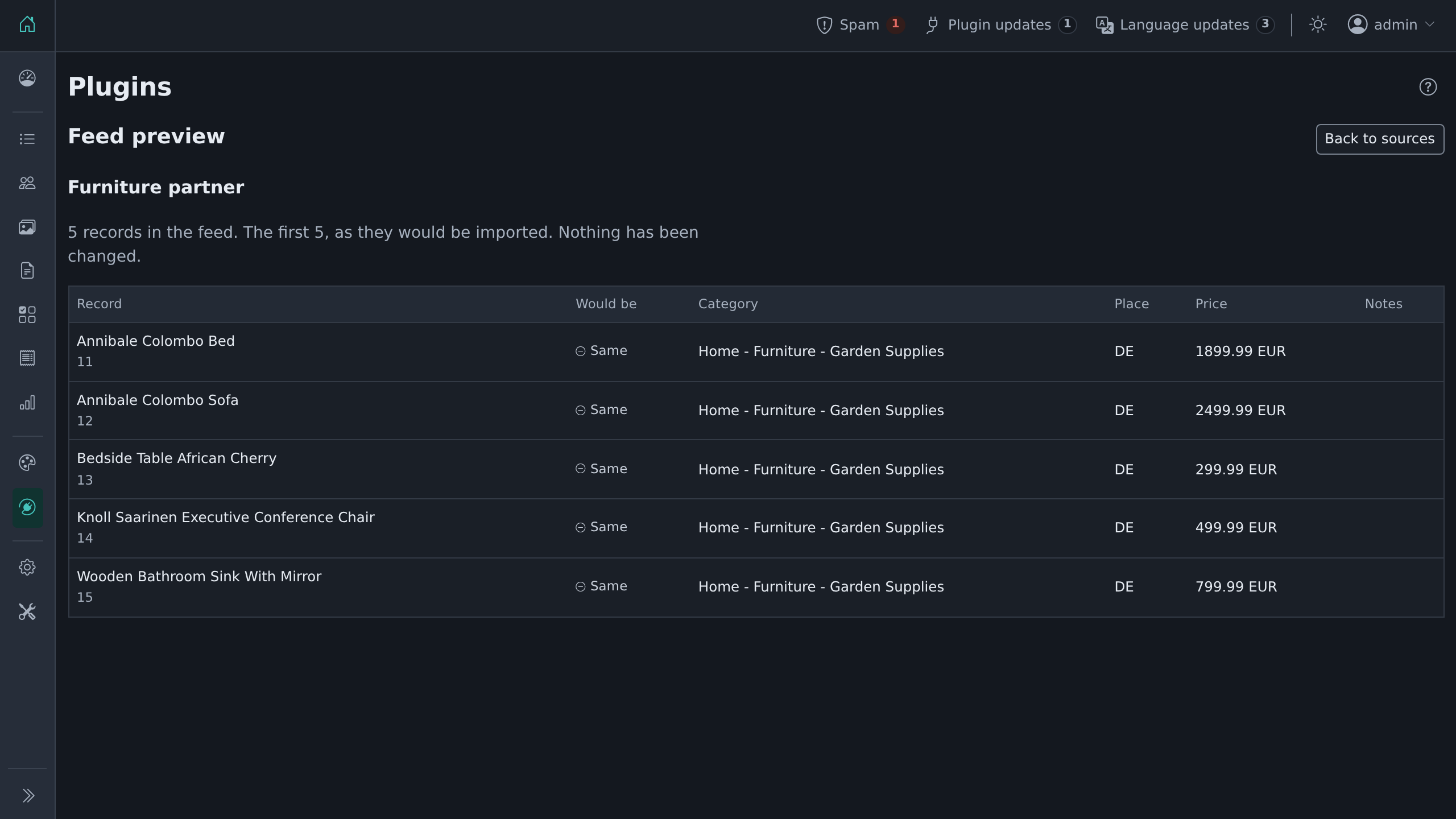 |
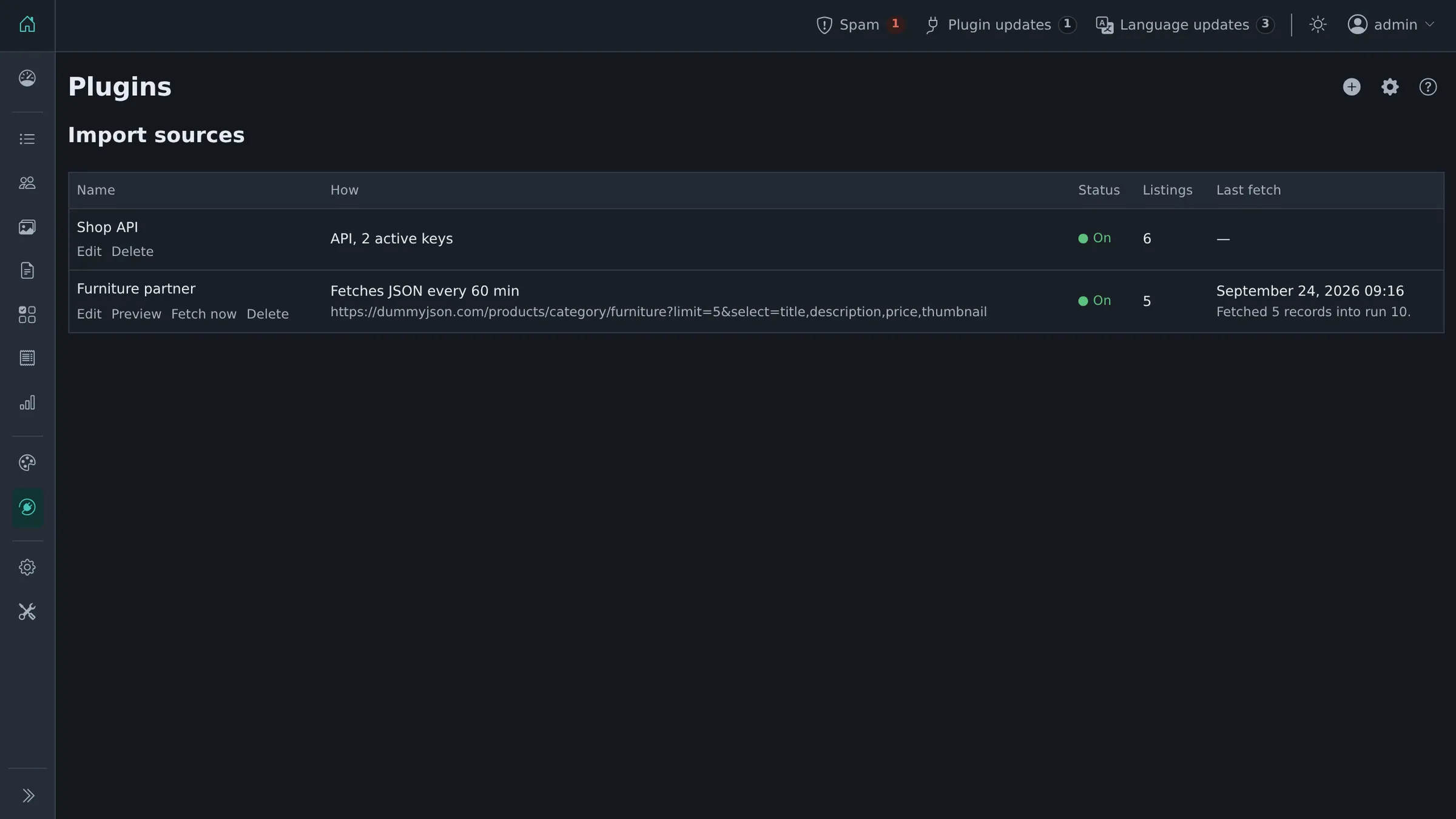
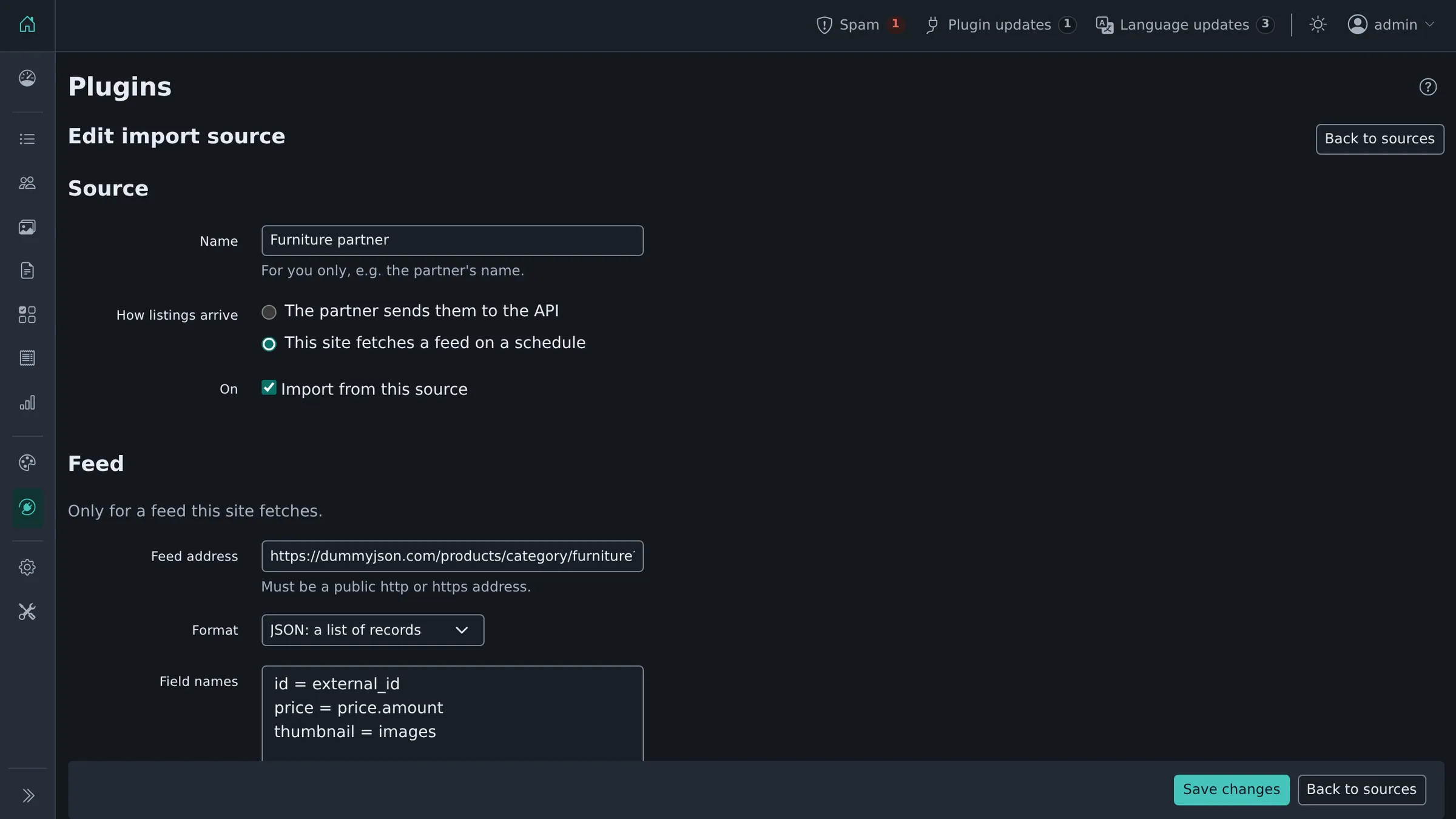
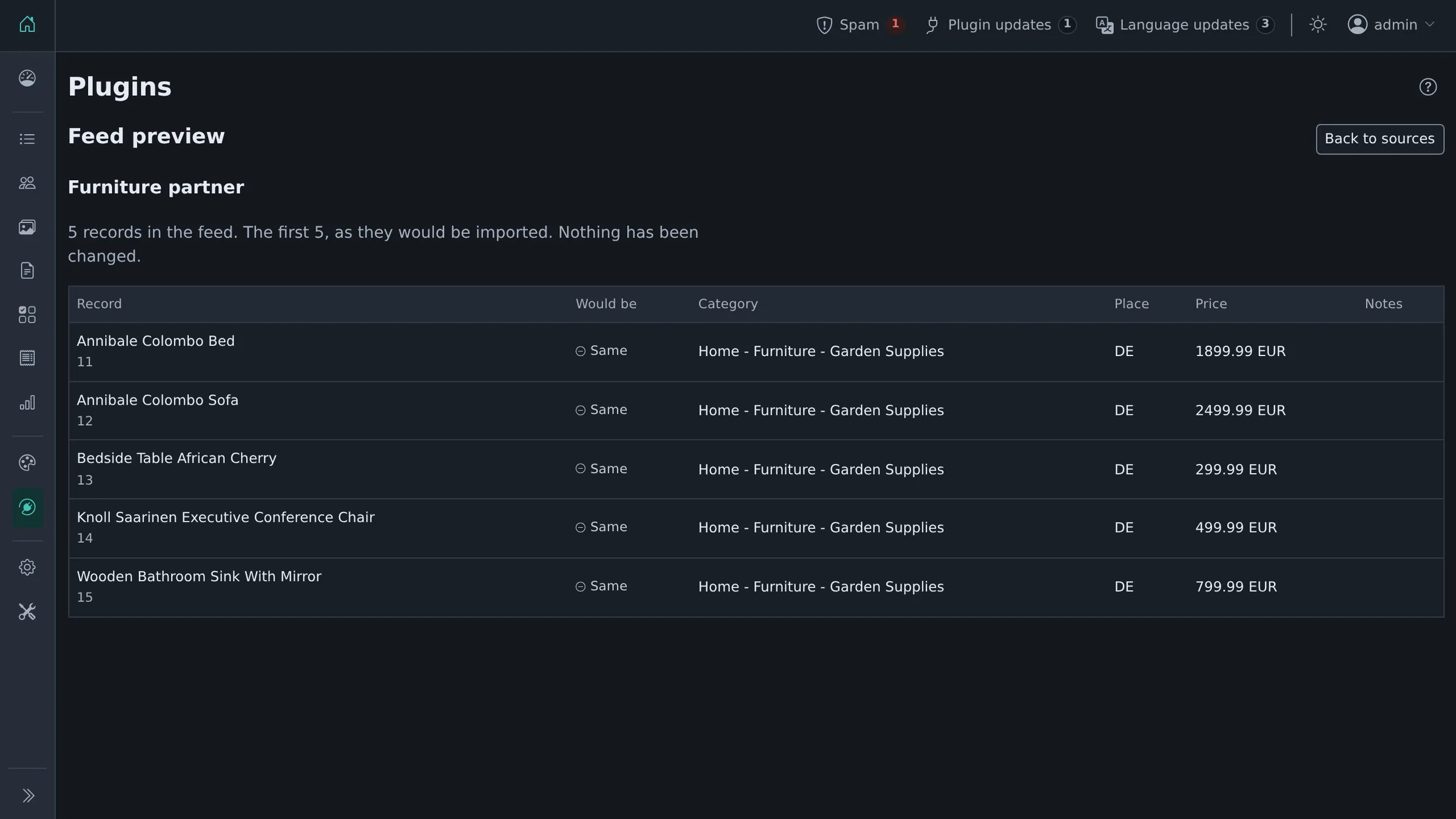
| A feed source | Preview a feed before it changes anything |
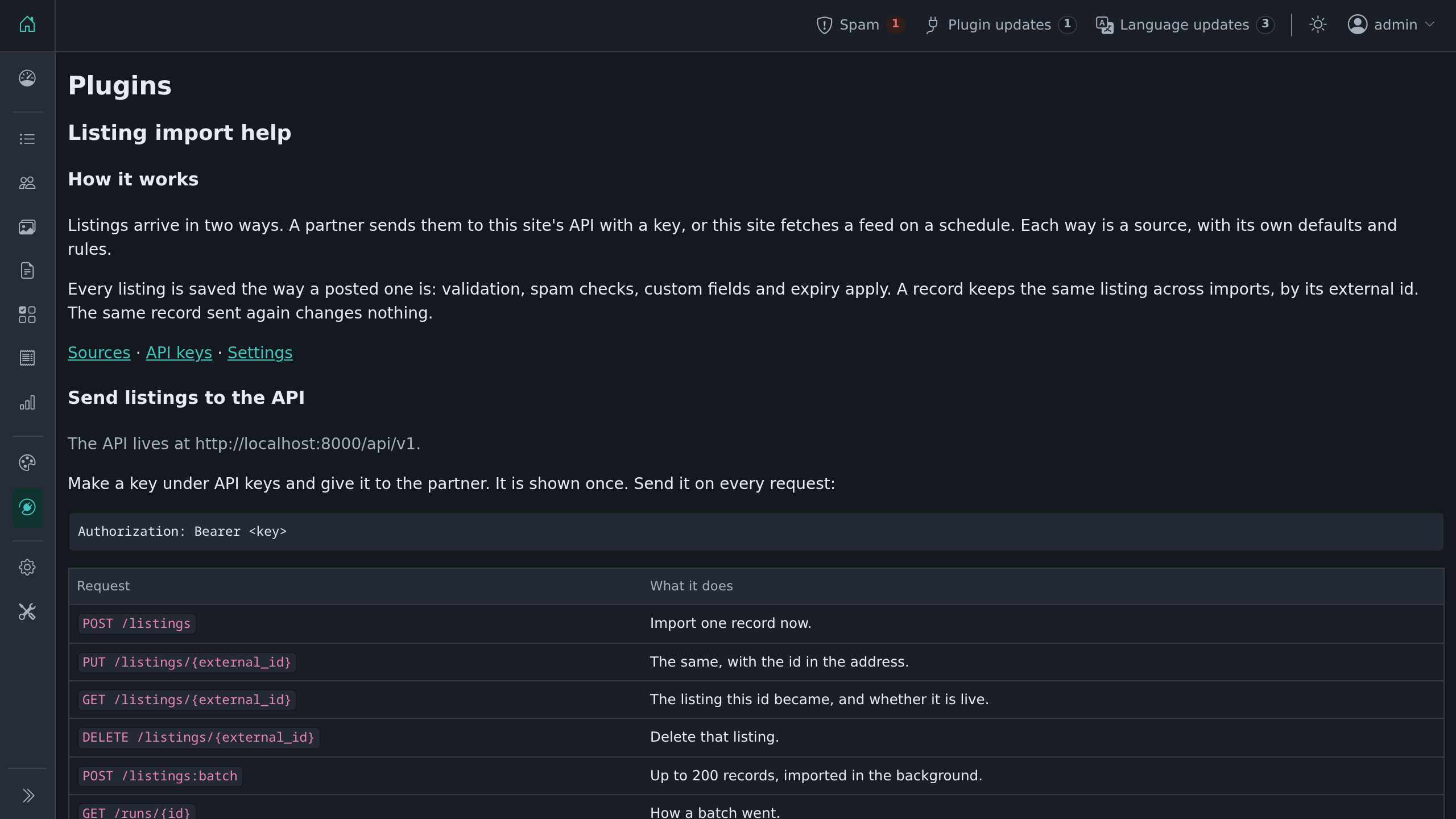 | |
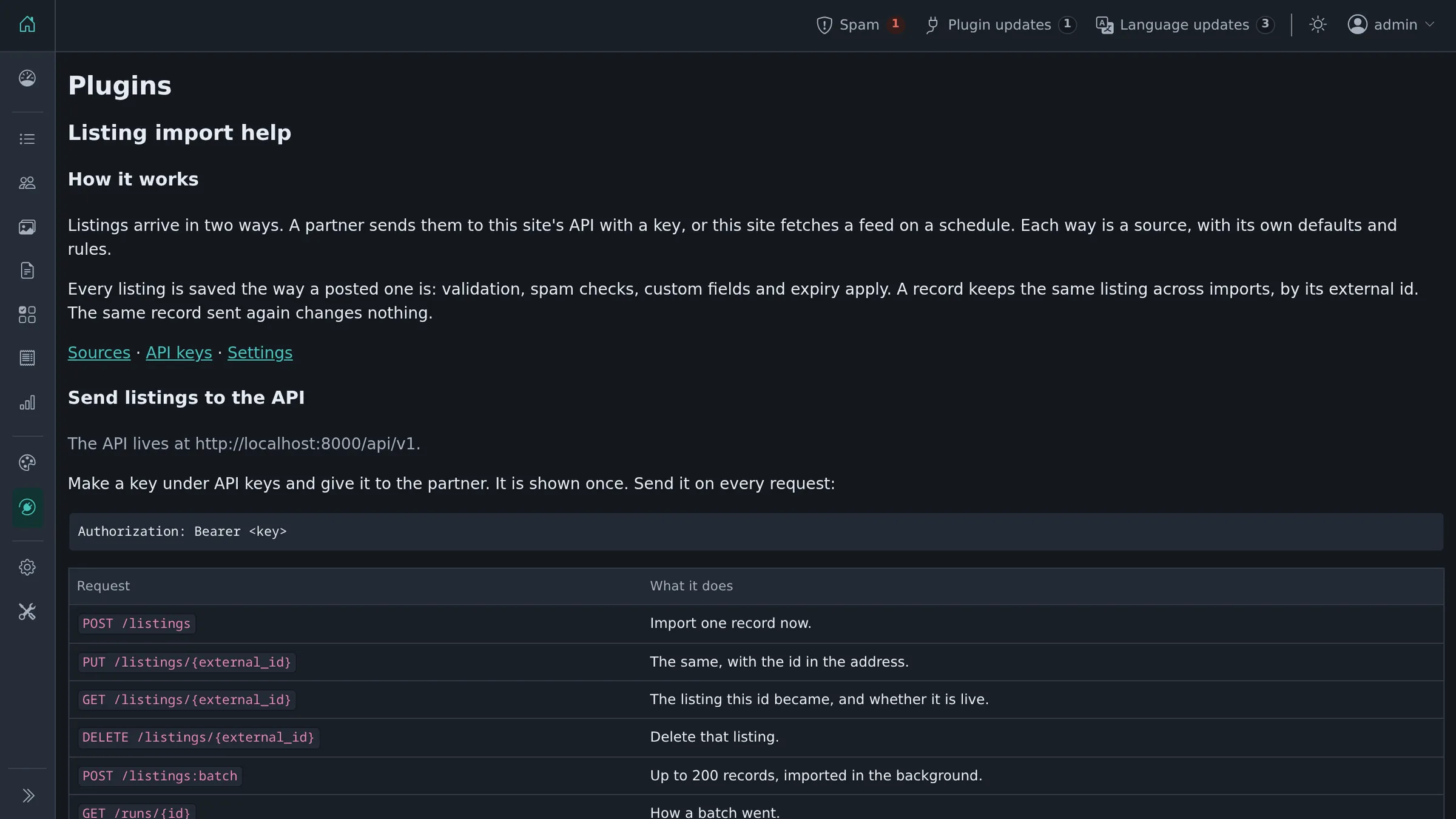
| A help screen with the API guide |
Requirements
- ShopClass 7.0 or newer
- PHP 8.0 or later
Install
From the admin: Plugins → Manage plugins → Browse, find Listing Import, then Install. Or from the command line:
php oc-cli.php market:install listing-importCheck that it works
The plugin's endpoints are part of the site's REST API, under /api/v1/ext/listing-import/. The API must be switched on under Settings → API. The site describes every endpoint, this plugin's included, at /api/v1/openapi.json.
Make a key
Keys are the site's own. Under Settings → API, make an admin key and tick the Listing import permissions:
| Permission | Lets the key |
|---|---|
ext:listing-import:write | import listings, and read where one stands |
ext:listing-import:delete | delete a listing it imported |
ext:listing-import:runs | read how a batch went |
Then link the key to the push source it imports into: Plugins → Listing import → Sources, edit the source and list the key's id under API key ids. A key linked to no source is refused. A key sees only its own source's listings and runs.
The key is shown once. Keep it safe. Send it on every request:
Authorization: Bearer <key>Or make one from the command line:
php oc-cli.php api:key:create --admin=<username> --name="Partner site" --scopes=ext:listing-import:write,ext:listing-import:runsOnly admin keys can hold these permissions. Request limits are the site's, under Settings → API.
Send listings
| Request | What it does |
|---|---|
POST /api/v1/ext/listing-import/listings | Import one record now. |
PUT /api/v1/ext/listing-import/listings/{external_id} | The same, with the id in the address. |
GET /api/v1/ext/listing-import/listings/{external_id} | The listing this id became, its address, and if it is live. |
DELETE /api/v1/ext/listing-import/listings/{external_id} | Delete that listing. |
POST /api/v1/ext/listing-import/listings:batch | Up to 200 records, imported in the background. |
GET /api/v1/ext/listing-import/runs/{id} | How a batch went. |
The smallest record:
{
  "external_id": "A-1001",
  "title": "Blue bike",
  "description": "A good bike, 21 gears.",
  "category": "Vehicles > Bikes"
}
The external_id is your id. Send the same id again and the plugin updates the listing it made before. Send the same record again and nothing changes. There is no partial update: always send the whole record.
An id in an address cannot hold a slash. Encode other characters as usual (A%201001).
Other fields, all optional:
category: an id, a slug, a path, or{"label": "Bikes"}. A source can set a default.price:{"amount": "1.234,50", "currency": "EUR"}.location:country,region,city,city_area,address,zip,lat,lng. Names are matched to the site's own places.contact:name,email,phone,show_email.owner:{"email": "[email protected]"}or{"user_id": 12}for an account on the site. Used only when the source allows records to choose accounts (off by default); otherwise ignored with a warning.images: one publichttp/httpsaddress, or a list of up to 20. JPEG, PNG, GIF or WebP, 8 MB each. The first 10 are fetched; the rest come back as a warning.fields: custom field slug → value.titleanddescriptionmay be per language:{"en_US": "Bike", "de_DE": "Fahrrad"}.expires_at,published_at: dates.source_url: the listing on your side.
A field the plugin does not know comes back as a warning. The record is still imported.
A batch answers at once with a run id:
curl -X POST https://example.com/api/v1/ext/listing-import/listings:batch \
  -H "Authorization: Bearer $KEY" -H "Content-Type: application/json" \
-d '{"records": [ ... ]}'{"data":{"run_id":42,"records":150,"status":"queued"}}The site's background jobs import the records. Check GET /api/v1/ext/listing-import/runs/42 for the result.
Errors and limits
Errors follow RFC 9457 (application/problem+json), as the rest of the site's API does:
{"type":"https://mindstellar.com/docs/developers/api/errors/#validation_failed","title":"The request is not valid.","status":422,"detail":"The record was not imported; see errors.","code":"validation_failed","errors":[{"pointer":"/title","code":"rejected","message":"Required.","in":"body"}]}| Status | Code | Why |
|---|---|---|
| 400 | invalid_json | The body is not JSON. |
| 401 | unauthorized | No key, or a wrong one. |
| 403 | forbidden, insufficient_scope | The key is not an admin key, or lacks the permission. |
| 404 | not_found | No such endpoint, listing or run. |
| 405 | method_not_allowed | The endpoint does not take that method. |
| 409 | conflict | The key is linked to no source, or its source is switched off. |
| 413 | too_large | Body over 1 MB, or more than 200 records. |
| 415 | unsupported_media_type | Send Content-Type: application/json. |
| 422 | validation_failed | The record is wrong. errors says where. |
| 429 | rate_limited, too_many_failures | Too many requests. Wait for Retry-After seconds. |
| 500 | server_error | Something failed on the site. The site's error log says what. |
Request limits, and the lockout of an address that keeps sending a wrong key, are the site's API settings.
The site's own rules apply to every listing: moderation, spam checks, listing limits, expiry.
Pull a feed
Plugins → Listing import → Sources, then the + button. Give the feed address, its format, and how often to fetch it. Formats: JSON, NDJSON, CSV, or another ShopClass site's RSS, up to 5,000 records and 20 MB. A JSON feed may be a plain list or an object holding one list, such as {"products": [...]}.
If the feed names its fields differently, map them one per line:
id = external_id
Headline = title
Town = location.city
Cost = price.amount
Preview shows what a fetch would import, without changing anything. Fetch now queues a fetch at once.
A listing whose record leaves the feed is deactivated, not deleted. It comes back when the record returns. If most records in a fetch fail, nothing is deactivated.
A listing you delete in the admin stays deleted until its record changes. Then it is created again.
Import a file
Plugins → Listing import → Import a file. Upload a JSON, NDJSON, CSV or RSS file, up to 20 MB and 5,000 records, and choose its source. The preview shows how each record would be imported. Nothing changes until you click Import. Listings the file leaves out are not touched.
Command line
php oc-cli.php import:run --file=records.json --dry-run   # check a file, change nothing
php oc-cli.php import:run --file=records.ndjson           # import it now
php oc-cli.php import:status                              # the latest runs
php oc-cli.php jobs:work                                  # run queued batches and feeds now
Batches and feeds run with the site's background jobs. Make sure the site's cron runs.
What's new in 0.3.0
Breaking
- Needs ShopClass 7.0. The endpoints moved under
/api/v1/ext/listing-import/:/api/v1/listings...becomes/api/v1/ext/listing-import/listings...,/api/v1/runs/{id}becomes/api/v1/ext/listing-import/runs/{id}. - Plugin API keys are gone. Make an admin key under Settings → API with the
ext:listing-import:write,:deleteor:runspermission, then list its id on a push source. GET /api/v1/pingandGET /api/v1/openapi.jsonare gone; the site's ownGET /api/v1/openapi.jsonlists these endpoints too.- Errors are RFC 9457 problems:
errorswith a JSON pointer per field replaceserror.fields. A record that cannot be imported is a422 validation_failed. - The 0.2 paths are gone; a client needs a new key anyway, so it moves to the new paths at the same time.
import:key:createis gone; useapi:key:create. The plugin's request-per-minute setting is gone; limits are under Settings → API.
Changed
- The endpoints, keys, scopes, request limits and errors are core's. Import, runs, the owner rule, image limits and address checks work as before.
New
- A push source lists the key ids that import into it; a key linked to no source is refused with 409.
Found a problem with Listing Import? Open an issue on GitHub.


