

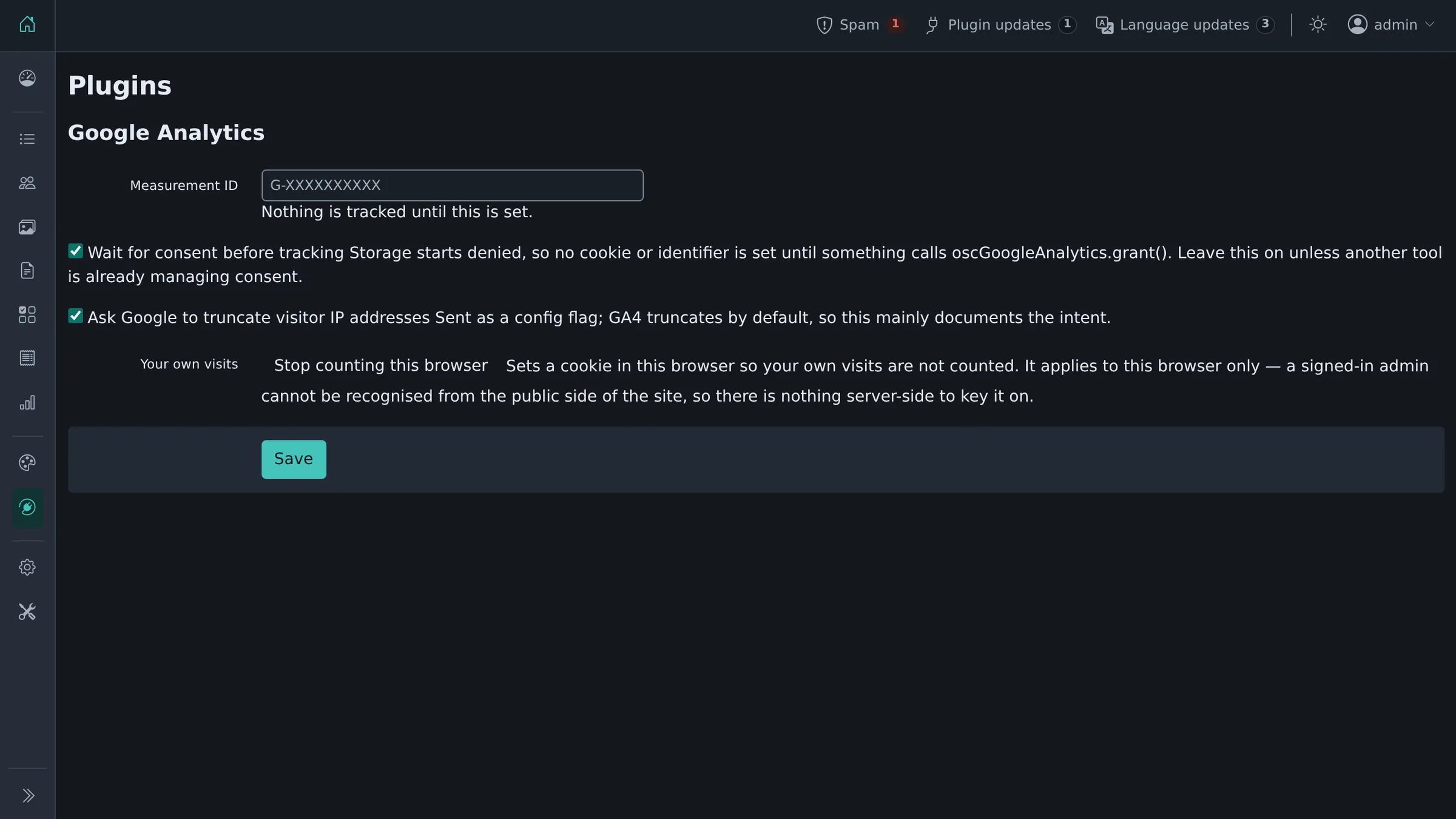
Adds Google Analytics 4 to your site. Core had this as a built-in field until 6.2.0.
Upgrading from 6.1.0 or earlier
Installing the plugin picks up the tracking ID core already had, so a site that had analytics configured keeps working without retyping anything.
Consent
Consent Mode is initialised with storage denied, before the library loads. Until something grants consent, gtag.js sets no cookie and no identifier: it queues what it would have sent and delivers it only if consent arrives during the same page view.
Whatever asks the visitor calls:
oscGoogleAnalytics.grant();  // they agreed
oscGoogleAnalytics.deny();   // they refused, or changed their mind
Remembering the answer is the banner's job, not this plugin's: it is the thing that knows what was asked and under which policy. Turn the setting off if another tool already manages consent for the whole page.
Keeping your own visits out
The settings screen has a button that marks this browser as not counted, and the tag then does nothing there. Use it in each browser you visit the site from.
Where it loads
The public side of the site only, never the admin. It works with a page cache.
Settings
Plugins → Manage plugins, then Settings next to Google Analytics: the measurement ID, the two switches above, and the opt-out button. An ID that is not a shape Google issues (G-, GT-, UA-, AW-) is refused and the screen says so, rather than writing it into a script tag on every page.
Extending
google_analytics_should_track: return false to suppress the tag for a particular request.
Requirements
ShopClass 6.1.0 or newer, PHP 8.0 or newer.
What's new in 1.0.1
Changed
- Tested up to ShopClass 6.4.
Found a problem with Google Analytics? Open an issue on GitHub.


